Uninterruptible Power Supply for Home Office: 2026 Buyer's Guide
Uninterruptible Power Supply for Home Office: 2026 Buyer’s Guide
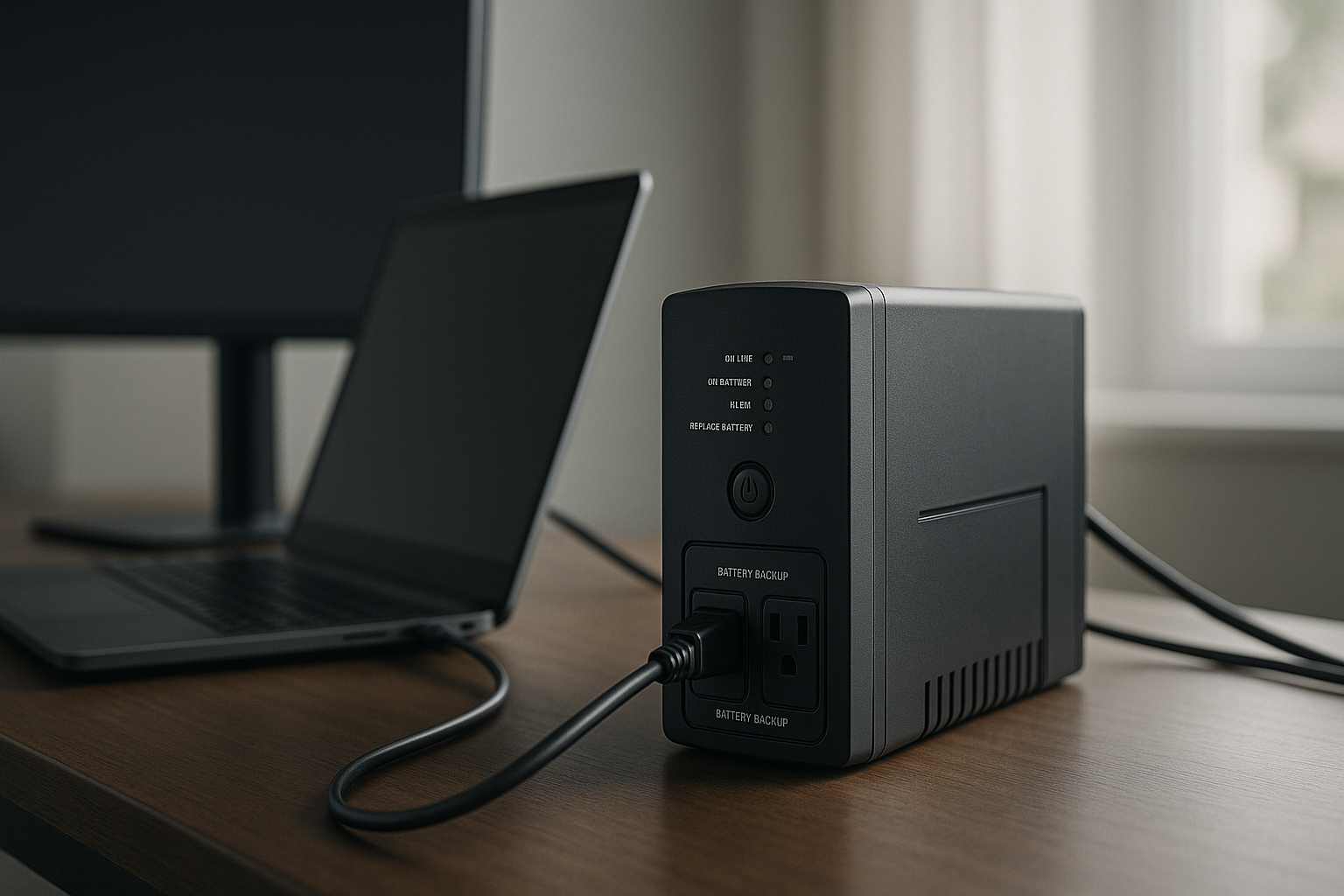
A home office UPS keeps your work alive when the grid fails. Unlike a portable power station, which stores massive energy for camping or emergency backup, a UPS is designed for one job: bridge the gap between a power loss and either grid restoration or graceful shutdown. You’ll stay online long enough to save your work, finish a video call, or ride out a brief outage without losing a single keystroke.
This guide walks you through the specs that matter—capacity, runtime, outlet count, and battery longevity—so you can pick a UPS that matches your actual setup, not a generic “office” tier.
What a UPS Actually Does (and What It Doesn’t)
A UPS is not a generator and not a power station. It’s a battery that sits between your wall outlet and your devices. When power cuts out, it switches to battery in milliseconds—so fast your computer doesn’t notice. That’s the “uninterruptible” part.
Most UPS units run for 5–15 minutes on battery alone per manufacturer specs, depending on load and capacity. That’s enough time to shut down gracefully, save files, and back up your work. If you need hours of runtime, you’re looking at either a [internal:best-expandable-power-station-for-growing-needs expandable power station for 2+ hours of runtime] or a larger battery backup system.
A UPS also conditions power, smoothing voltage spikes and surges that can degrade electronics over time. This is especially valuable for sensitive equipment like external hard drives, networking gear, and monitors.
Capacity: VA vs. Watts—Why It Matters
UPS units are rated in volt-amperes (VA), not watts. VA is the apparent power draw; watts is real power. The conversion ratio depends on the power factor of your devices. Most consumer office equipment (laptops, monitors, routers) has a power factor of 0.6–0.7, meaning a 1000 VA UPS can handle roughly 600–700 watts of real load. This ratio is consistent across APC, CyberPower, and Eaton spec sheets for consumer-grade units.
Here’s the practical rule: add up the nameplate wattage of everything you’re plugging in.
- Laptop charger: 45–100 watts
- Desktop PC: 300–500 watts (idle); up to 800+ under load
- Monitor (LED): 20–50 watts each
- External hard drive: 5–10 watts
- Networking gear (router, modem): 10–20 watts combined
If your laptop + monitor + router totals 150 watts, a 600 VA UPS (roughly 400 watts usable) is overkill. If you’re running a desktop workstation with dual monitors and a NAS, you’ll want 1500 VA or higher.
Pro tip: UPS manufacturers often list “battery backup” wattage separately from “surge protection” wattage. Battery backup is the number that matters for runtime. Surge protection is higher but doesn’t apply during an outage.
Runtime: How Long Will It Actually Last?
Runtime depends on three variables: UPS capacity, battery condition, and your load.
A 1000 VA UPS with a full load (700 watts) typically runs 5–8 minutes per APC and CyberPower spec sheets. Cut the load to 350 watts (laptop + monitor only), and you’ll stretch it to 10–15 minutes. A 2000 VA unit with the same light load might hit 20–30 minutes.
Manufacturers publish runtime charts for standard loads (25%, 50%, 75%, 100%). Check these before buying. A chart that shows your typical load is far more useful than a vague “up to X minutes” claim.
Battery aging matters: UPS batteries degrade over time. Most sealed lead-acid batteries (the standard in consumer UPS units) last 3–5 years per manufacturer specifications. Lithium-based UPS units cost more but last 7–10 years. If your UPS is over 5 years old and you’ve never replaced the battery, runtime will be noticeably shorter than the spec sheet promises.
For longer outages, consider pairing your UPS with a [internal:best-battery-backup-for-power-outages-home-office-fridge-protection battery backup system for 8+ hours of runtime] or look into a modular system with external battery packs.
Pure Sine Wave vs. Simulated (AVR)
Budget UPS units use simulated sine wave (also called AVR or stepped sine wave) output. This works fine for most devices—laptops, monitors, printers—but can cause issues with:
- Sensitive medical equipment
- High-end audio gear
- Some variable-frequency drives
Pure sine wave UPS units output clean, smooth AC power that matches grid power. They cost more but work reliably with any device. For a home office, pure sine wave is a nice-to-have, not a must-have, unless you’re running specialty equipment.
Check the spec sheet. If it says “simulated sine wave” or “stepped approximation,” it’s AVR. If it says “pure sine wave” or “true sine wave,” it’s the premium option.
Outlets: Quantity and Surge-Protected vs. Battery-Backed
A typical UPS has 8–12 outlets split into two categories:
- Battery-backed + surge-protected: Usually 4–6 outlets. These power your critical devices during an outage.
- Surge-protected only: The remaining outlets. These protect against spikes but don’t run during an outage.
Plug your computer, monitor, and router into battery-backed outlets. Plug your printer, desk lamp, and phone charger into surge-only outlets.
Some units also include USB ports for charging phones and tablets during an outage—a small feature that matters when you’re waiting out a storm and your phone battery is low.
Battery Replacement and Long-Term Cost
UPS batteries are consumables. Expect to replace them every 3–5 years, depending on usage and temperature. Replacement batteries cost 30–50% of the original UPS price.
Check whether the manufacturer sells batteries separately and whether they’re easy to swap. Some units require a technician; others pop open and slide out. User-replaceable batteries add years of value to a UPS.
Lithium-based UPS units (like some recent CyberPower and Eaton models) cost more upfront but last twice as long and don’t degrade in heat. If you’re keeping the UPS for 7+ years, lithium makes financial sense.
Top Picks for Home Office UPS
Best for small desk setups (laptop + monitor): CyberPower CP1000AVRLCD 1000 VA capacity, compact form factor, 8 outlets (4 battery-backed), LCD display showing runtime and load. Fits under or beside most desks. Per manufacturer spec sheet, supports up to 700 watts real load with 8–12 minutes runtime at typical laptop + monitor load (150 watts).
Best for mid-range office (desktop + dual monitors): APC Back-UPS Pro 1500VA 1500 VA pure sine wave output, 10 outlets (5 battery-backed), USB charging ports. Battery is user-replaceable. Per manufacturer spec sheet, supports up to 900 watts real load with 10–15 minutes runtime at 50% load. Long track record of reliability in home office and small business settings.
Best for high-power workstations: Eaton 9SX 2000VA 2000 VA pure sine wave, 10 outlets (6 battery-backed), modular battery design. Eaton publishes detailed runtime tables for various loads; at 50% load, expect 15–20 minutes. 10-year warranty. More expensive than consumer-tier units but built for reliability.
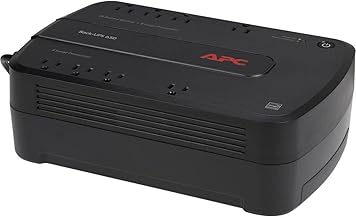
Best budget option:
Best for extended runtime: CyberPower OR2200LCDS 2200 VA, accepts optional external battery modules to extend runtime from 15 minutes to 30+ minutes. Useful if you want a single UPS that can grow with your needs without replacing the whole unit.
UPS vs. Power Station: When to Choose Each
A UPS is for brief outages and graceful shutdowns. A [internal:portable-power-station-vs-gas-generator-which-should-you-buy portable power station or battery backup system] is for hours-long outages, camping, or emergency preparedness.
Choose a UPS if: - You want seamless, automatic protection with zero setup time for protecting a desktop workstation during a 20-minute outage. - You’re protecting a laptop and monitor, not running a full workshop. - You need the device to fit under a desk. - Outages in your area are typically short (under 30 minutes).
Choose a power station if: - You need to run devices for 8+ hours or days (backing up a refrigerator during a storm, for example). - You want portability for camping or travel. - You’re backing up high-draw appliances like space heaters or well pumps. - You want to pair it with solar panels for off-grid capability.
For most home office workers, a UPS is the right tool. It’s passive, reliable, and requires no maintenance beyond the occasional battery swap.
Placement and Setup Tips
- Keep it cool. UPS batteries degrade faster in heat. Place the unit in a climate-controlled area, not near a radiator or in direct sunlight.
- Keep it accessible. You may need to press the power button or check the display during an outage. Don’t bury it behind your desk.
- Plug it into a wall outlet, not a power strip. Using a power strip defeats the surge protection and can overload the circuit.
- Test it monthly. Unplug the UPS from the wall and verify that your devices switch to battery. This catches battery degradation early.
- Label your outlets. Mark which outlets are battery-backed so you don’t accidentally plug a printer into a battery outlet and waste runtime.
FAQ
Q: Can I use a UPS with a standing desk that draws 200W? A: Yes. A 1000 VA UPS (600–700 watts usable) can power a standing desk motor plus a laptop and monitor for 15–20 minutes. If your standing desk has a memory preset, it will hold position during the outage. Avoid raising or lowering the desk during battery mode to conserve power.
Q: Can I use a UPS to run my gaming PC during a power outage? A: Briefly, yes. A mid-range UPS (1500 VA) can power a gaming PC for 5–10 minutes at moderate load. But if you want to keep gaming for hours, you need a [internal:best-expandable-power-station-for-growing-needs expandable power station] or dedicated battery backup system. A UPS is designed for shutdown time, not sustained gameplay.
Q: Will a UPS protect my devices from power surges? A: Yes. All UPS units include surge protection on all outlets. This protects against voltage spikes from lightning strikes and utility grid fluctuations. However, a UPS is not a substitute for a whole-home surge protector, which protects your entire electrical panel.
Q: Can I leave a UPS plugged in 24/7? A: Yes, that’s the whole point. A UPS is designed to stay plugged in constantly. The battery charges whenever AC power is available and discharges only during an outage. Modern UPS units have trickle-charge circuits that prevent overcharging.
Q: What’s the difference between a UPS and a power conditioner? A: A power conditioner smooths voltage and filters noise but has no battery. A UPS does all that plus provides battery backup. For a home office, a UPS is the better choice because it protects against outages, not just dirty power.
Wrapping Up
A UPS is one of the best investments for a home office. It’s passive, reliable, and gives you 5–30 minutes to save your work and shut down gracefully—or ride out a brief outage without losing a single keystroke.
Choose a capacity that matches your actual load (not a generic “office” tier), verify the runtime on the spec sheet at your typical load, and check whether the battery is user-replaceable. Most home office workers find a mid-tier unit (1000–1500 VA) strikes the right balance between cost, capacity, and desk footprint.
For longer outages or emergency backup for appliances like refrigerators, see our guide on [internal:best-battery-backup-for-power-outages-home-office-fridge-protection battery backup systems]. For a complete home emergency setup, check out [internal:best-home-emergency-power-kit-for-2026-complete-setup our complete emergency power kit guide].


