Best Backup Power for Home Office: UPS vs Portable Stations
Best Backup Power for Home Office: UPS vs Portable Stations
When the power drops during a work-from-home day, you lose internet, your monitor goes dark, and unsaved work vanishes. A home office backup power system bridges that gap—keeping your router, computer, and lights running long enough to save your work and stay productive. But the right choice depends on your setup, budget, and how long you need to stay online.
This guide compares the two main categories: Uninterruptible Power Supplies (UPS systems) and portable power stations. Both work, but they solve different problems.
UPS Systems vs. Portable Power Stations: What’s the Difference?
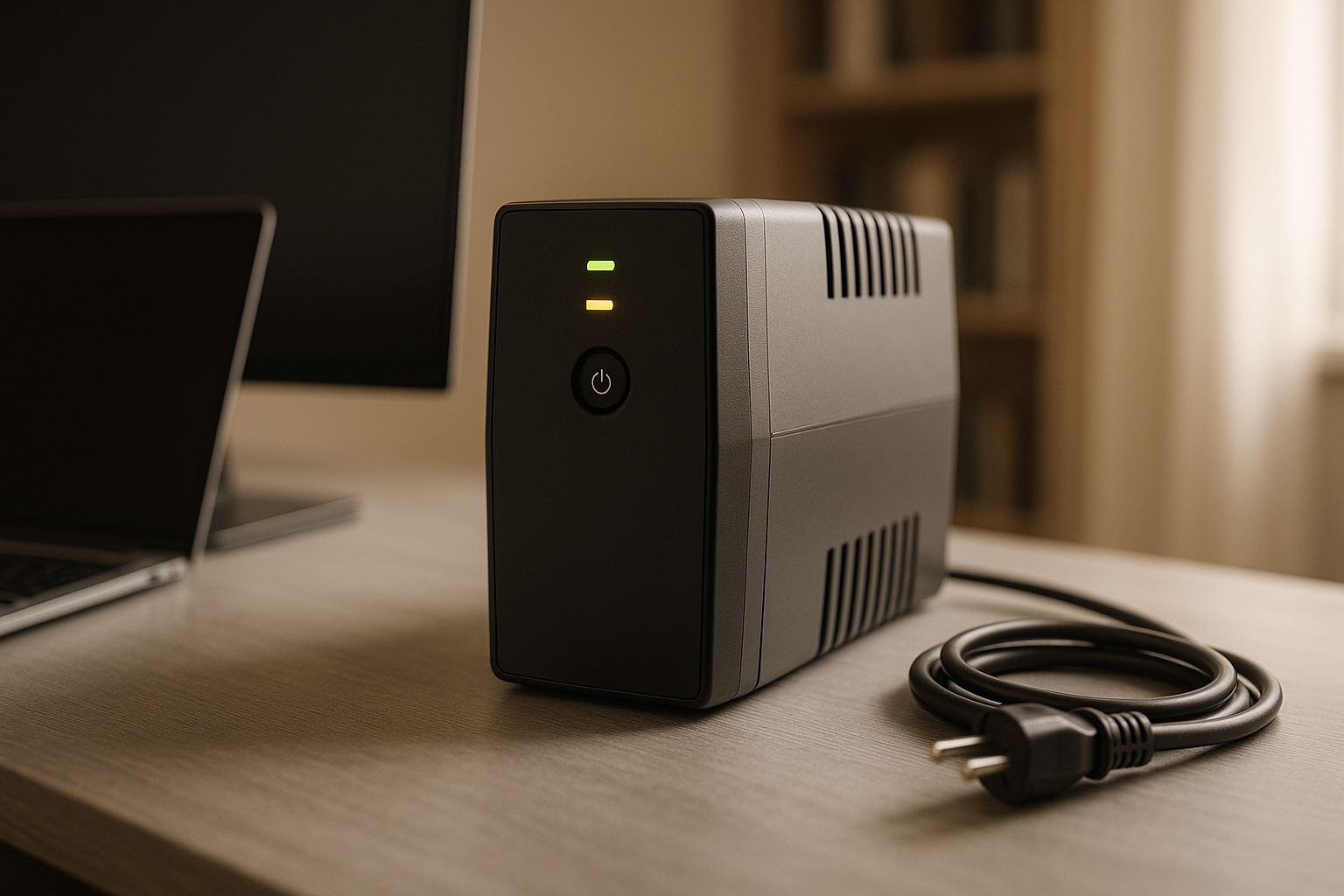
UPS systems are wall-mounted or desktop units designed to kick in instantly when mains power fails. They’re built for continuous runtime on battery, with automatic switchover measured in milliseconds. Most home office UPS units are compact, quiet, and sit between your outlets and devices.
Portable power stations are larger, battery-heavy boxes that you charge beforehand and plug into when needed. They offer more total capacity but require manual activation (or a manual transfer switch). They’re also mobile—you can move them between rooms or take them camping.
For a home office, the key difference is response time. A UPS prevents any interruption to your work. A portable station works if you catch the outage quickly and switch plugs, but there’s a gap where devices lose power.
The Case for UPS: Seamless Backup for Always-On Work
If you’re on video calls, managing live data, or working with cloud applications, a UPS is the standard choice.
Why UPS wins for home offices:
- Zero switchover time: Battery engages in milliseconds. Your monitor, router, and computer never blink.
- Automatic: No action needed. Power fails, backup activates immediately.
- Compact footprint: Most units fit under a desk or on a shelf without dominating space.
- Quiet operation: No fans or noise during battery runtime (unlike generators).
- Battery conditioning: Modern UPS units manage battery health automatically, cycling charge to extend lifespan.
Typical home office UPS setup: Plug your router, modem, computer monitor, and desk lamp into the UPS. During an outage, these stay powered while you save work and safely shut down. Most home office UPS units provide 15–45 minutes of runtime at typical office loads (100–300 watts), per manufacturer specifications.
Recommended model: The APC Back-UPS Pro 1500VA is a reliable mid-tier choice for home offices. It delivers 1500 VA (900 watts continuous), includes 10 outlets (6 battery-backed), and provides 20–30 minutes of runtime on a typical 150 W office load. It includes automatic voltage regulation and USB monitoring ports.
For deeper guidance on selecting the right UPS model, see [internal:best-ups-systems-for-home-office-in-2026 — APC, CyberPower, and Eaton models].
The Case for Portable Power Stations: Flexibility and Capacity
Portable stations shine if you want to power more devices, work for hours during an outage, or use the same unit for backup and recreation.
Why portable stations appeal:
- Much higher capacity: A mid-tier portable station stores 500–2000 watt-hours; a typical UPS holds 60–200 watt-hours. You can run a laptop, monitor, router, and lights for 4–8+ hours.
- Mobility: Move it between rooms, take it camping, or store it in a closet.
- Expandable: Many models accept additional battery modules to increase runtime.
- No installation: Plug in, charge, and you’re ready. No electrician needed.
The tradeoff: Portable stations require manual switching. When power fails, you have to unplug devices from the wall and plug them into the station—or install a transfer switch for automation. During that gap (even a few seconds), devices lose power.
Recommended model: The Jackery Explorer 500 offers 518 Wh capacity with 500 W continuous output, making it suitable for home office backup. It includes 2 AC outlets, 2 USB-A ports, and 1 USB-C port. On a 150 W office load, it delivers approximately 3+ hours of runtime. It’s also portable enough for camping or travel.
For a detailed buying guide on portable stations, see [internal:portable-power-station-buying-guide-capacity-ports-runtime-explained — Jackery, EcoFlow, and Goal Zero models].
Key Specs to Compare
When evaluating either type, focus on these numbers:
Wattage (Continuous Output)
This is the sustained power the unit can deliver. Your home office load typically includes: - Laptop: 60–100 watts - Monitor: 30–60 watts - Router/modem: 10–20 watts - Desk lamp: 10–15 watts - Total typical office: 110–195 watts
A UPS rated for 600–1200 watts handles this easily. A portable station should be rated for at least 1000 watts continuous to avoid thermal throttling under sustained load.
Capacity (Watt-Hours)
Measured in Wh or kWh, this tells you how long a device can run.
Quick math: Capacity ÷ Load = Runtime (accounting for inverter efficiency losses)
Example: A 500 Wh portable station powering a 150 W office setup = 500 ÷ 150 = 3.3 hours theoretical. However, inverter efficiency losses (10–15%) reduce this to approximately 2.8–3 hours of actual runtime.
UPS systems list capacity in VA (volt-amperes) or Wh. A 1500 VA UPS typically holds 60–150 Wh—enough for 20–45 minutes of office work.
Switchover Time
For UPS: Look for under 10 milliseconds. Most modern UPS units meet this.
For portable stations: Manual switchover takes 30 seconds to a few minutes. Automatic transfer switches reduce this but add cost and complexity.
Ports
Ensure the unit has enough outlets for your setup: - UPS: Usually 4–8 outlets (mix of surge-protected and battery-backed). - Portable station: Often 2–4 AC outlets, plus USB-A and USB-C ports.
Check that at least some outlets are on the battery circuit, not just surge protection.
Runtime Expectations
UPS systems are designed for short bursts. A mid-tier home office UPS provides 15–45 minutes of runtime at typical loads. This is enough to: - Save open documents - Shut down gracefully - Ride out brief grid flickers - Wait for a generator to start
Portable stations excel at longer runtimes. The Jackery Explorer 500 (518 Wh) powering a 150 W office runs for approximately 3+ hours. At 200 W (adding a space heater or second monitor), it drops to 2.5 hours, accounting for inverter efficiency.
For exact runtime calculations specific to your devices, see [internal:how-long-does-a-portable-power-station-last-runtime-guide — capacity, load, and efficiency factors].
Cost and Value
UPS systems for home offices range from for basic 600 VA models (APC Back-UPS 600, CyberPower CP600) to for mid-tier 1500–2000 VA units like the APC Back-UPS Pro 1500VA or CyberPower CP1500AVRT .
Portable stations start at for budget models (Anker 521, 256 Wh) and climb to for mid-tier options like the Jackery Explorer 500 or EcoFlow Delta Mini .
For a home office, a mid-range UPS like the APC Back-UPS Pro 1500VA is often the best value—it’s reliable, automatic, and purpose-built. If you want longer runtime or plan to use the unit for camping or RV trips, a mid-tier portable station like the Jackery Explorer 500 adds flexibility.
Installation and Setup
UPS: Unbox, plug into an outlet, plug your devices into the UPS. Many units auto-configure. Some include management software to monitor battery health and log power events. Installation takes 5 minutes.
Portable station: Charge fully (4–8 hours depending on model), then plug devices in when needed. For seamless backup, install a manual or automatic transfer switch—a more involved project. A manual transfer switch in parts; automatic switches run. Electrician labor typically ranges depending on your home’s wiring complexity.
Battery Lifespan and Maintenance
Both types use rechargeable batteries that degrade over time.
UPS batteries typically last 3–5 years under normal use. Most UPS units include automatic float charging, which keeps the battery topped up and healthy. Replacement batteries are readily available and inexpensive ( for standard home office units).
Portable station batteries (usually lithium-ion) last 5–10 years with proper care. Avoid fully draining them; keep them between 20–80% charge for storage. Many manufacturers spec 500–1000 charge cycles before capacity drops to 80%.
For a detailed breakdown, see [internal:portable-power-station-lifespan-battery-degradation-warranty-guide — warranty comparison and maintenance tips].
Special Considerations for Home Offices
Remote Work and Always-On Connectivity
If your job depends on being online (video calls, cloud apps, real-time collaboration), a UPS is essential. It ensures your internet connection and computer stay live through brief outages. A portable station requires manual intervention, which may be too slow.
Power Outage Frequency in Your Area
Check your local utility’s outage history. If outages are rare and brief (under 30 minutes), a UPS is ideal. If your area sees longer, more frequent outages, a portable station’s higher capacity becomes valuable.
Space and Aesthetics
UPS units are compact and often designed to blend into office décor. Portable stations are bulky—expect a box the size of a small cooler. If space is tight, a UPS is the better fit.
Expandability and Future Growth
Portable stations often support battery modules to increase capacity. UPS systems do not. If you think you’ll need more runtime later, a portable station with expansion support (see [internal:best-expandable-power-station-for-growing-needs — EcoFlow and Goal Zero modular options]) offers a growth path.
Hybrid Approach: UPS + Portable Station
Many home office users pair both: - UPS for immediate backup: Keeps work live during outages, prevents data loss. - Portable station for extended runtime: Kicks in after the UPS battery depletes, powering essential devices for hours.
This requires a transfer switch or manual reconfiguration. A manual transfer switch and requires an electrician ( labor). An automatic transfer switch is more expensive ( in parts, plus installation) but eliminates manual switching. This combination delivers instant protection plus long-term resilience for critical home offices.
FAQ
Q: How often should I test my backup power system? A: Most manufacturers recommend testing quarterly. Flip the UPS to battery mode for a few seconds to confirm it engages, or unplug a portable station and run a device on it briefly. This confirms the system works before you need it in a real outage.
Q: What’s the difference between a UPS and a surge protector? A: A surge protector only guards against voltage spikes; it provides no backup power. A UPS includes surge protection and battery backup, so your devices keep running when power fails.
Q: Can I leave a portable power station plugged in all the time? A: Yes, but it’s not ideal. Lithium batteries degrade faster if kept at 100% charge. Most manufacturers recommend storing portable stations at 50–80% charge and topping them up monthly.
Q: Can I daisy-chain multiple UPS units for more runtime? A: No. Daisy-chaining UPS units (plugging one into another) defeats the purpose—the second unit would only activate if the first one fails, not to extend runtime. To extend runtime, use a single larger-capacity UPS or pair a UPS with a portable station using a transfer switch.
Q: What’s the warranty difference between UPS brands? A: Most mid-tier UPS units (APC, CyberPower, Eaton) offer 2–3 year warranties covering parts and labor. Portable stations typically offer 1–2 year warranties; premium brands like EcoFlow and Jackery often include 2–3 years. Battery replacement is usually covered for the first 1–2 years. Check the manufacturer’s website for specific terms, as warranties vary by retailer and region.
Q: Will a UPS protect my home office from power surges? A: Yes. All UPS systems include surge protection on their outlets. Many also condition voltage, smoothing electrical noise that can degrade sensitive electronics over time.
Choosing Your Home Office Backup Power
Choose a UPS if: - You work on video calls or real-time applications. - You want automatic, zero-delay backup. - You have limited space. - You prioritize simplicity and low maintenance.
Choose a portable station if: - You want to run your entire office (and maybe a space heater) for 4+ hours. - You also use it for camping, tailgating, or RV trips. - Your area sees frequent, extended outages. - You’re renting and can’t install a UPS-friendly outlet setup.
Choose both if: - Your work is critical and space allows. - You want redundancy and can afford it.
For more specific guidance on home office backup power selection, see [internal:how-to-choose-a-backup-power-station-for-your-home-office — UPS vs. portable station decision tree]. If you’re also concerned about protecting appliances during outages, [internal:best-battery-backup-for-power-outages-home-office-appliances — whole-home and multi-appliance scenarios] covers broader household scenarios.
A solid backup power plan takes the anxiety out of outages. Your work stays safe, your internet stays live, and you stay productive—no matter what the grid does.


