Best UPS for Home Office in 2026: A Practical Guide
April 28, 2026·Updated September 6, 2026·9 min read·UPS & Power Protection for Appliances
As an affiliate, we may earn from qualifying purchases. This doesn't affect which products we recommend.
Best UPS for Home Office in 2026
A UPS (uninterruptible power supply) keeps your computer, monitor, and internet gear alive long enough to save your work and shut down cleanly when the lights flicker. For most home offices the right unit is a 600–1500VA line-interactive model with pure sine wave output and a few minutes of runtime — not a giant data-center tower.
What a UPS actually does in a home office
Three things, in this order of importance:
Bridges short outages. Most residential power blips last under 30 seconds. A UPS gives you uninterrupted power through them so your PC doesn’t reboot and your Zoom call doesn’t drop.
Conditions dirty power. Line-interactive units use AVR (automatic voltage regulation) to clamp under- and over-voltage without dipping into the battery. This matters more in older homes and rural areas where sag is constant.
Gives you a graceful shutdown window. When an outage runs long, the bundled software (PowerChute, PowerPanel, Eaton IPM) tells your PC to hibernate before the battery dies.
It is not a generator. Runtime at full load is measured in minutes, not hours — for example, the APC BR1500MS2 spec sheet lists roughly 2 minutes at full 900W load. If you need to keep working through a multi-hour outage, you want a portable power station.
How to size one for your desk
The rough math: add up the wattage of everything you want backed up, then buy a UPS whose VA rating is roughly 1.5–2× that wattage. Most modern home-office gear pulls less than people think.
Typical loads, per manufacturer spec sheets:
Laptop + charger: 60–95W
Mid-size desktop (no GPU): 100–200W
Gaming/workstation desktop with discrete GPU: 300–600W
27” monitor: 25–50W
Cable modem + Wi-Fi router: 15–25W combined
Laser printer (printing): 600–900W spike — don’t put this on the UPS
So a typical knowledge-worker desk (laptop, two monitors, dock, router, modem) is well under 250W. A 1000–1500VA UPS gives that load somewhere in the 8–20 minute range based on typical manufacturer runtime charts — plenty for a graceful shutdown or to ride out a brownout.
Laser printers (huge inrush current trips the UPS)
Space heaters, coffee makers, anything with a heating element
Vacuums
Most UPS units have separate “surge only” outlets for these. Use them.
Topology: line-interactive vs. standby vs. online
Three tiers, and it’s worth knowing the difference because marketing copy often hides it.
Standby (offline): Cheapest. Passes wall power straight through until it fails, then switches to battery. Transfer time is 6–10ms. Fine for a laptop, marginal for desktops with picky power supplies.
Line-interactive: The home-office sweet spot. Adds AVR for voltage regulation. Transfer time typically 2–4ms. This is what 90% of buyers should get.
Double-conversion online: Always running the load off the inverter — zero transfer time. Premium-tier pricing, more heat, louder fan. Overkill for a home office unless you’re running medical equipment or a lab.
Line-interactive with pure sine wave output is the right match for desks running modern active-PFC power supplies — which is most desktops built in the last decade.
Pure sine wave vs. simulated sine wave
This one trips people up. Cheap UPS units output a “stepped approximation” or “simulated sine wave” on battery. Older PSUs handle it fine. Modern active-PFC PSUs (in nearly every desktop and gaming rig built since roughly 2015) sometimes don’t — they can shut off, buzz, or in rare cases damage components when fed a stepped wave.
If your desktop has an 80 Plus Bronze or better PSU, buy pure sine wave. The price gap has narrowed considerably and it’s not worth the gamble. Simulated-wave units paired with active-PFC PSUs are a common source of compatibility complaints — APC’s own FAQ on sine wave output explicitly recommends pure sine wave for active-PFC supplies.
Standby topology, simulated sine wave, 600VA / 330W. The right answer if your “home office” is a laptop, a monitor, and a router. It’s small enough to live behind your desk, has a USB-A charging port on the side, and doesn’t make noise. Don’t pair it with a desktop that has an active-PFC supply.
This is the model I recommend most often. Line-interactive, pure sine wave, 1500VA / 1000W, AVR, and a clear LCD that shows estimated runtime and load wattage. Per the manufacturer spec sheet it’s rated for active-PFC power supplies, which is the whole reason to spend up from the budget tier. Multi-year warranty including a connected-equipment guarantee.
The fan stays off during normal low-load operation and only spins up under heavy load or charging.
APC’s answer to the CyberPower above. Pure sine wave, 1500VA / 900W, line-interactive, with two USB charging ports and a clean LCD. Slightly pricier than the CyberPower at most retailers but APC’s PowerChute software is more polished and the build quality is what you’d expect from the category leader. Pick this if you’ve used APC before and want to stay in their ecosystem.
The compact one. 900VA / 475W, line-interactive, simulated sine wave. Good for a laptop-based office in an apartment where flicker and brownout are the actual problem rather than full outages. The AVR handles voltage sag without cycling the battery, which extends battery service life.
The “set it and forget it” pick for people who want their networking gear (modem, router, NAS, PoE switch) backed up separately from the desk. 1500VA / 900W, line-interactive, pure sine wave, and quiet under typical low networking loads. Eaton’s warranty and RMA process get consistently positive marks in business reviews.
If budget is the deciding factor and you only need to back up a laptop dock plus networking gear, this is the floor of what I’d recommend. 685VA / 390W, AVR, simulated sine wave. Not for desktops. It’s the unit I’d hand a friend who said “I just don’t want my Wi-Fi to drop when the power flickers.”
Battery life and replacement reality
UPS batteries are sealed lead-acid (SLA) in nearly every consumer model. Plan on replacing them every 3–5 years — sooner if your room runs hot, later if it’s cool and dry. APC’s Back-UPS battery replacement guidance cites a 3–5 year typical service life, and CyberPower’s battery FAQ lists the same range. The unit itself will outlast multiple battery swaps; replacement batteries are sold by part number for under the cost of a new mid-tier UPS.
Signs your battery is done:
Self-test fails or the unit beeps without a triggering event
Estimated runtime on the LCD drops dramatically with the same load
The UPS clicks over to battery, then immediately fails
Don’t ignore these. A dead battery means the UPS passes wall power through but provides zero outage protection — surge protection only.
What about a portable power station instead?
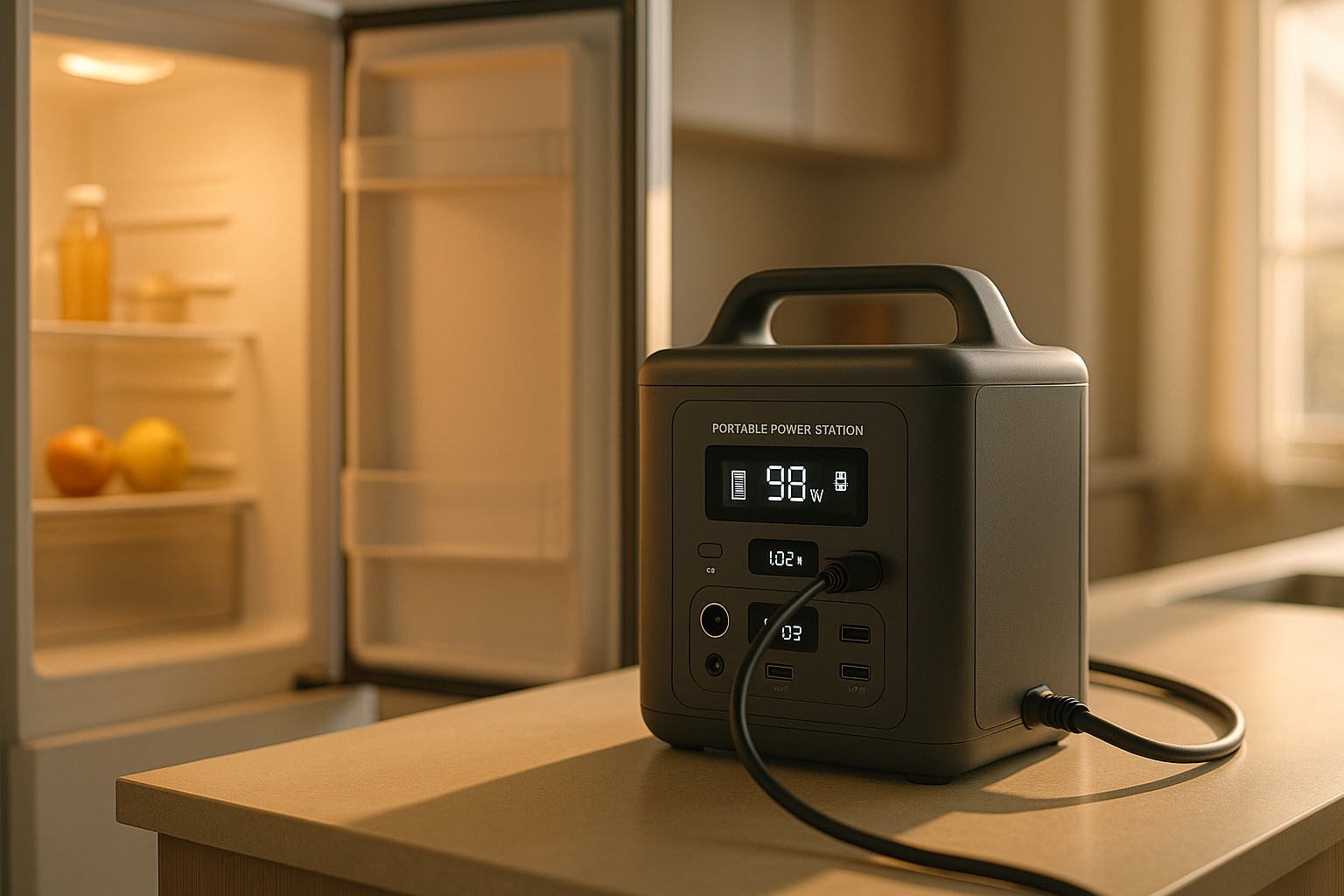
Reasonable question, especially in 2026 with LFP power stations getting cheap. The short version: a UPS switches over in milliseconds; most power stations advertised as “UPS-capable” switch in 10–30ms, which is enough to reboot a desktop. The exceptions exist but are not the default.
If you want hours of runtime instead of minutes and you can tolerate the rare reboot during the switchover, a power station is a better buy. If you can’t drop a video call or lose unsaved work, get a real UPS. Or do both — UPS for the desk, power station for everything else. See UPS vs Portable Power Station: Which Is Better? for the full comparison and How to Choose a Backup Power Station for Your Home Office for picking a station.
What’s the difference between VA and watts?
VA (volt-amperes) is apparent power; watts is real power. The ratio between them is the power factor. Older UPS units list a VA rating that’s notably higher than the watt rating — a 1500VA / 900W unit can’t deliver 1500 watts, only 900. Always size against the watt number, not the VA marketing figure.
Can I use a UPS with a smart power strip?
You can plug a smart strip into the UPS’s outlets, but not the other way around. Some smart strips with their own surge circuitry can also confuse the UPS’s load detection — if your UPS reports a wildly fluctuating load with nothing changing, try plugging devices directly into the UPS instead.
Will a UPS protect against lightning?
It’ll protect against typical surges and brownouts. A direct lightning strike to your service entrance will overwhelm any consumer-grade UPS — that’s what whole-house surge protection at the panel is for. Most UPS units carry a connected-equipment warranty that covers surge damage; read the fine print before relying on it.
Can I plug my UPS into a power strip?
No. Plug the UPS directly into the wall. Daisy-chaining surge protectors is a fire-code issue and can defeat the UPS’s own surge circuitry.
Does a UPS work for internet during a power outage?
Yes, if you also back up your modem and router. The cable or fiber line into your house carries its own low-voltage signal that’s independent of your home’s power, and ISPs typically keep their neighborhood equipment on backup power for at least a few hours. So as long as your modem and router stay powered via the UPS, your internet will usually keep working until either the UPS battery dies or your ISP’s local node loses power.