As an affiliate, we may earn from qualifying purchases. This doesn't affect which products we recommend.
Best UPS for Gaming PC in 2026
A modern gaming PC pulls a lot of watts under load and hates dirty power even more than it hates a hard shutdown. The right uninterruptible power supply gives you enough runtime to save your work, exit a match, and shut down cleanly — and protects the PSU, GPU, and monitor from sags, spikes, and brownouts in between. The single biggest mistake buyers make: pairing a high-end active-PFC PSU with a cheap simulated-sine-wave UPS, which can cause the PSU to shut off the moment the unit switches to battery.
Why a gaming PC needs a UPS, not just a surge strip
A surge protector clamps spikes. It does nothing for the more common problem: voltage sags and short brownouts that cause your rig to reboot mid-match or mid-render. Modern PSUs with active PFC (which any decent gaming PSU has) are particularly sensitive to dirty waveforms — Corsair, Seasonic, and EVGA all explicitly recommend pure sine wave UPS output in their PSU manuals, and an active-PFC PSU paired with a stepped-sine-wave unit can shut down or buzz when the UPS switches to battery.
That’s the single most important takeaway: for a gaming PC, you want a pure sine wave UPS, or at minimum a high-quality simulated sine wave from a reputable brand. Skimping here is how people end up with a UPS that makes their PSU click off the moment the lights flicker.
UPS units are rated in two numbers: VA (apparent power) and watts (real power). For sizing a gaming PC, the watts number is what matters. The approach below mirrors CyberPower’s own sizing calculator (cyberpowersystems.com/products/ups/sizing-tool) and APC’s UPS Selector tool:
Look at your PSU’s rated output (550W, 750W, 850W, 1000W, etc.).
Estimate your real draw under gaming load — typically 50-70% of PSU rating for most builds.
Add ~150W for a large monitor, plus ~30W for peripherals and a router.
Pick a UPS with a watt rating at least 1.3× your peak draw, so you have headroom and meaningful runtime.
Quick mapping, based on the most-upvoted sizing recommendations across r/buildapc’s UPS megathreads and CyberPower’s published sizing tool:
1000W+ PSU enthusiast build: 1500VA pure sine wave minimum, or step up to a 2200VA class
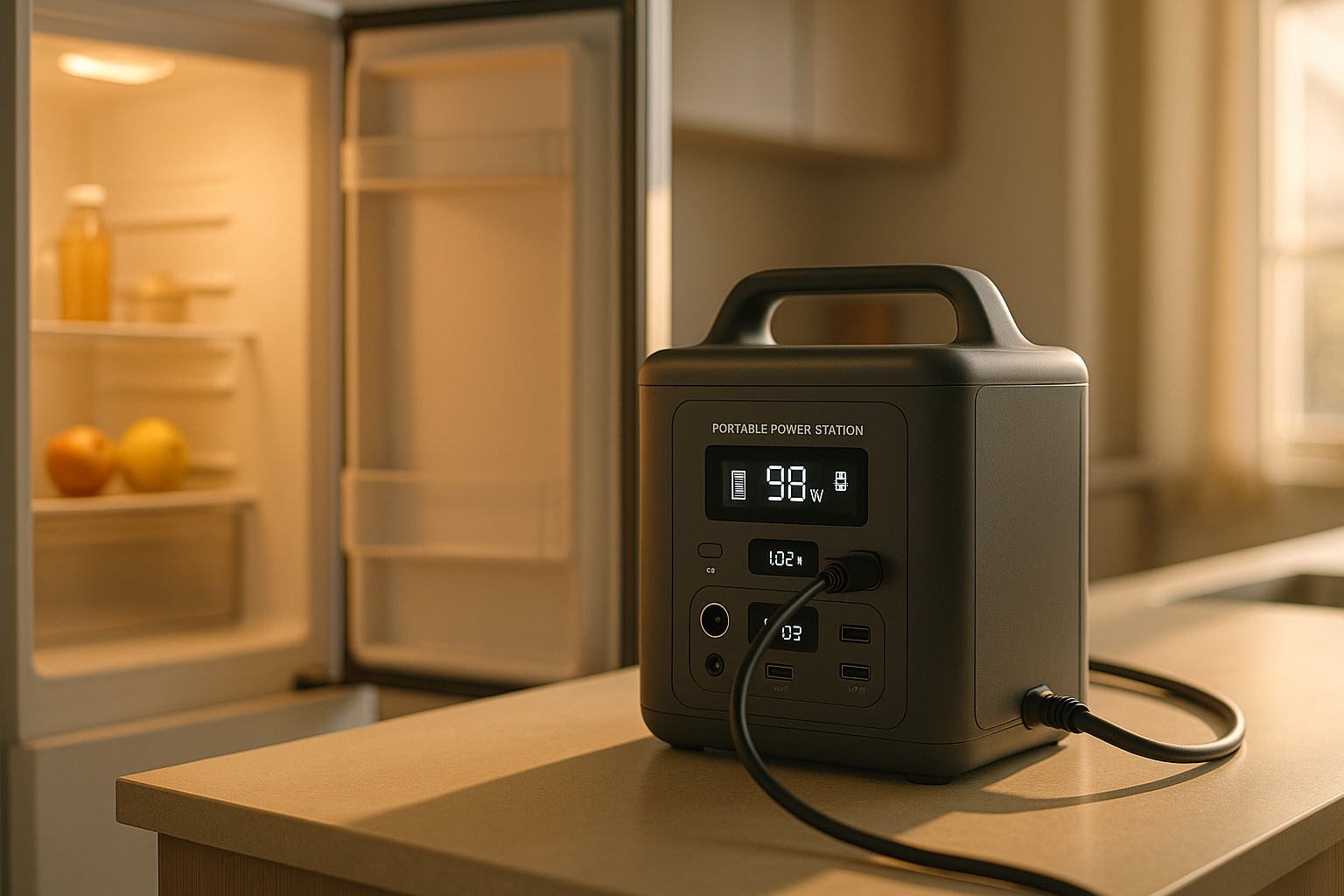
Don’t fixate on getting hours of runtime. The job of a desktop UPS is to give you 5-15 minutes — enough to save, exit, and shut down. If you want hours of hold-up for a fridge, router, or medical device, you’re shopping for a different category entirely; our UPS vs Portable Power Station: Which Is Better? breaks down when each tool makes sense.
Features that actually matter
Pure sine wave output
Already covered above, but worth repeating: pair this with any active-PFC PSU. Per CyberPower’s and APC’s own spec sheets, the “PFC” or “Sinewave” model lines are the ones to look at — the entry-tier “Back-UPS” non-Pro models are usually stepped/simulated and can cause issues with high-end PSUs.
AVR (Automatic Voltage Regulation)
AVR corrects mild over- and under-voltage without dipping into the battery. If your house has a flickery circuit or you’re on the end of a long utility run, AVR cycles the battery far less and extends its life. Units without AVR burn through batteries noticeably faster in unstable-power neighborhoods, since every minor sag forces a battery transfer.
Battery type and replaceability
Most desktop UPS units use sealed lead-acid (SLA) batteries that last 3-5 years per manufacturer guidance, sometimes less in warm rooms. Replaceable battery cartridges are cheaper long-term than buying a whole new unit. A few newer models use lithium and claim 8-10 year battery life, at a premium tier.
Outlet layout
You want a clear split between battery + surge outlets (for PC, monitor, modem, router) and surge only outlets (for printer, speakers, charger bricks that don’t need backup). Every outlet you put on battery shortens runtime.
USB data port and shutdown software
A USB cable from UPS to PC lets your OS see the UPS state and trigger a graceful shutdown if the battery hits a threshold. Useful if you’re not at the keyboard when power drops — for example, while a long shader compile or download is running.
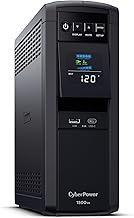
The default recommendation across r/buildapc and r/pcgaming for years. 1500VA / 1000W, pure sine wave output, AVR, a clear front-panel LCD that shows load and estimated runtime, and a rear panel split between battery+surge and surge-only outlets. Per the manufacturer spec sheet, it handles active-PFC PSUs cleanly. With a 4.6/5 rating across roughly 28,000 Amazon reviews at time of writing, the most common complaints are weight (it’s heavy — that’s the SLA battery) and the chirp it makes during self-tests, neither of which affects function.
Good fit for any build with a 750-850W PSU and a single high-refresh monitor.
Same family, smaller capacity. 1000VA / 600W, still pure sine wave. This is the right call for SFF builds, esports-focused rigs with mid-tier GPUs, or anyone whose PSU is in the 500-650W range. Don’t put a 4090-class card on this; it’ll trip under load.
APC’s gaming-leaning Back-UPS Pro line. 1500VA, AVR, pure sine wave on the “Pro” tier (confirm the model number — the non-Pro Back-UPS units are simulated sine wave and you don’t want those for a high-end rig). Ten outlets, two USB charging ports built in, replaceable battery. APC publishes a 3-year warranty with included connected-equipment coverage in the US, and warranty-replacement turnaround is consistently called out as a strength in Amazon reviews (4.5/5 across ~6,000 ratings).
Step up from consumer to prosumer. Line-interactive topology, network/cloud monitoring via APC’s SmartConnect, and noticeably better behavior under heavier sustained loads. Worth the premium-tier cost if you stream, run a home server alongside the gaming PC, or just want hardware that’s overbuilt for the job.
Sits between the 1000 and 1500 models — 1350VA / 810W, pure sine wave, slim chassis. Reviewers consistently flag it as quiet during normal operation (4.7/5 across 9,000+ Amazon ratings), which matters if your UPS lives on or near your desk. A reasonable pick for a 650-750W build where the bigger CP1500 feels like overkill.
The third major brand worth considering. 1500VA, line-interactive, AVR, pure sine wave on this specific SKU. Not as common in gaming forums as APC or CyberPower, but per Tripp Lite’s spec sheet and a 4.6/5 rating across 3,500+ Amazon reviews, it’s a solid alternative if the others are out of stock.
Setup tips that extend battery life
Don’t plug a laser printer or space heater into the UPS. Either will trip it instantly. Surge-only outlets or wall direct.
Keep the unit off carpet and away from heat sources. SLA batteries degrade fast above ~25°C / 77°F.
Run the self-test every few months. Both APC and CyberPower management software have a button for it. A UPS with a dead battery is just an expensive surge strip, and you won’t know until you need it.
Replace the battery when the unit tells you to. Don’t ignore the beep. A swollen SLA can damage the chassis.
Don’t overload it. If the LCD shows you’re at 80%+ of capacity at idle, you sized it wrong; runtime under outage will be measured in seconds.
Lithium-based desktop UPS models are showing up from CyberPower, APC, and a few newer brands. Per the manufacturer specs, they offer roughly 2-3× the cycle life of SLA, run cooler, and weigh dramatically less. The tradeoff is a meaningful price premium at any given VA rating. If you keep PCs for 6-8 years and hate the thought of swapping a battery cartridge twice over that span, the math works. For most people on a 3-4 year upgrade cycle, SLA is still the value play.
Pairing a UPS with a home office
If your gaming PC doubles as your work machine — increasingly common — the same unit covers both jobs, but you may want to think about runtime differently. A 15-minute hold-up is fine for “save and shut down,” but if you’re on a video call when the power drops, you’d rather ride out a 2-minute blip without dropping the call. That usually means sizing one tier up. If you’re balancing work and gaming on one rig, our Best UPS for Home Office: Uninterruptible Power Supply Guide covers ride-through sizing, double-conversion vs line-interactive, and which models keep VoIP calls alive.
FAQ
Do I really need pure sine wave for a gaming PC?
For any modern build with an 80 Plus Gold or better PSU (which is most builds), yes. Active PFC circuits in those PSUs can misbehave on simulated sine wave output, ranging from audible buzzing to outright shutdown when the UPS switches to battery. Corsair, Seasonic, and EVGA all explicitly call for pure sine wave UPS output in their PSU documentation. If you have an older or budget PSU without active PFC, a high-quality simulated sine wave unit will work fine — but for any current gaming build, the small price premium for a pure sine wave model is the safer buy.