How to Choose a Backup Power Station for Your Home Office
How to Choose a Backup Power Station for Your Home Office
A backup power station keeps your home office running when the grid fails. Unlike a traditional UPS (uninterruptible power supply), a portable power station gives you hours of runtime and the flexibility to power multiple devices—not just your computer. You’ll discover that a 1000 Wh station covers most home offices for 6–8 hours, and how to avoid buying 3000+ Wh you’ll never use.
Why a Backup Power Station Beats an Extension Cord and Hope
Home office outages are expensive. A two-hour blackout can mean lost work, missed deadlines, and corrupted files if your laptop battery runs dry mid-save. A UPS protects against brief flickers, but a power station keeps you working through extended outages—and doubles as emergency backup for your home’s essentials.
The difference matters: a traditional UPS is designed to bridge the gap until you shut down cleanly or a generator kicks in. A portable power station is designed to be your power source for hours. That means you can keep your monitor, laptop, desk lamp, phone charger, and coffee maker all running simultaneously, which a basic UPS cannot do.
Understanding Power Station Capacity (Wh) and Runtime
Capacity is measured in watt-hours (Wh). Think of it like a gas tank: a 1000 Wh station holds roughly the energy of a large laptop battery. A 2000 Wh station holds twice as much.
Runtime depends on two things: 1. Capacity (Wh) – how much energy is stored 2. Load (watts) – how much power you’re drawing
A 1000 Wh station running a 100-watt load lasts roughly 10 hours. The same station running a 500-watt load lasts roughly 2 hours. Most home office loads are 100–300 watts (laptop, monitor, desk lamp, charger, small fan), so a 1000–2000 Wh station gives 3–10 hours of runtime depending on what’s plugged in.
Efficiency losses are real. Inverters and battery chemistry mean you typically get 85–95% of rated capacity in real-world use, per manufacturer spec sheets and owner reports. Don’t expect 100 Wh to give you exactly 100 Wh of usable power.
Calculating Your Home Office Load
Measure what you actually run during the workday:
- Laptop charger: 60–100W (varies by model)
- Monitor (LED): 20–50W
- Desk lamp: 5–15W
- Phone/tablet charger: 5–20W
- Wireless router: 5–10W
- Small fan or space heater: 750–1500W (if you need it)
Add these up. If your core setup (laptop + monitor + charger + lamp + router) totals 150W, a 1000 Wh station runs you 6–7 hours. If you add a space heater (1200W), the same station lasts under an hour—so you’d need 2000+ Wh.
Pro tip: Use a kill-a-watt meter (a cheap plug-in device) to measure your actual draw. Guessing often leads to buying too much or too little capacity.
For most home office workers, a 1000–1500 Wh station covers a full workday without a space heater. If you need heating or cooling, jump to 2000+ Wh or plan to run climate control sparingly.
Key Features to Compare
Inverter Type and Waveform
Most home office power stations use pure sine wave inverters, which are safe for sensitive electronics like laptops and monitors. Cheap stations use modified sine wave, which can cause humming in speakers or damage to some chargers. Per multiple owner reports, pure sine wave is the standard on anything above budget-tier, so check the spec sheet.
Recharge Speed
A power station is only useful if you can refill it. Compare recharge times by specific model:
- 120V wall outlet: Jackery Explorer 1000 takes ~12 hours; Bluetti AC500 takes ~18 hours at 120V
- 240V wall outlet (if available): Bluetti AC500 recharges in 4 hours; EcoFlow Delta Pro in 2.5 hours (fastest on market)
- Solar panel input: 10–20 hours in good sun (useful for redundancy, not primary recharge)
- Car charger (12V DC): 24+ hours (emergency backup only)
For home office use, a station that recharges in under 12 hours from a standard outlet is practical. If your outages are rare, slow recharge is acceptable. If you’re in a high-outage area, faster recharge (240V or solar input) is worth the premium.
Outlets and Ports
Check what you actually need:
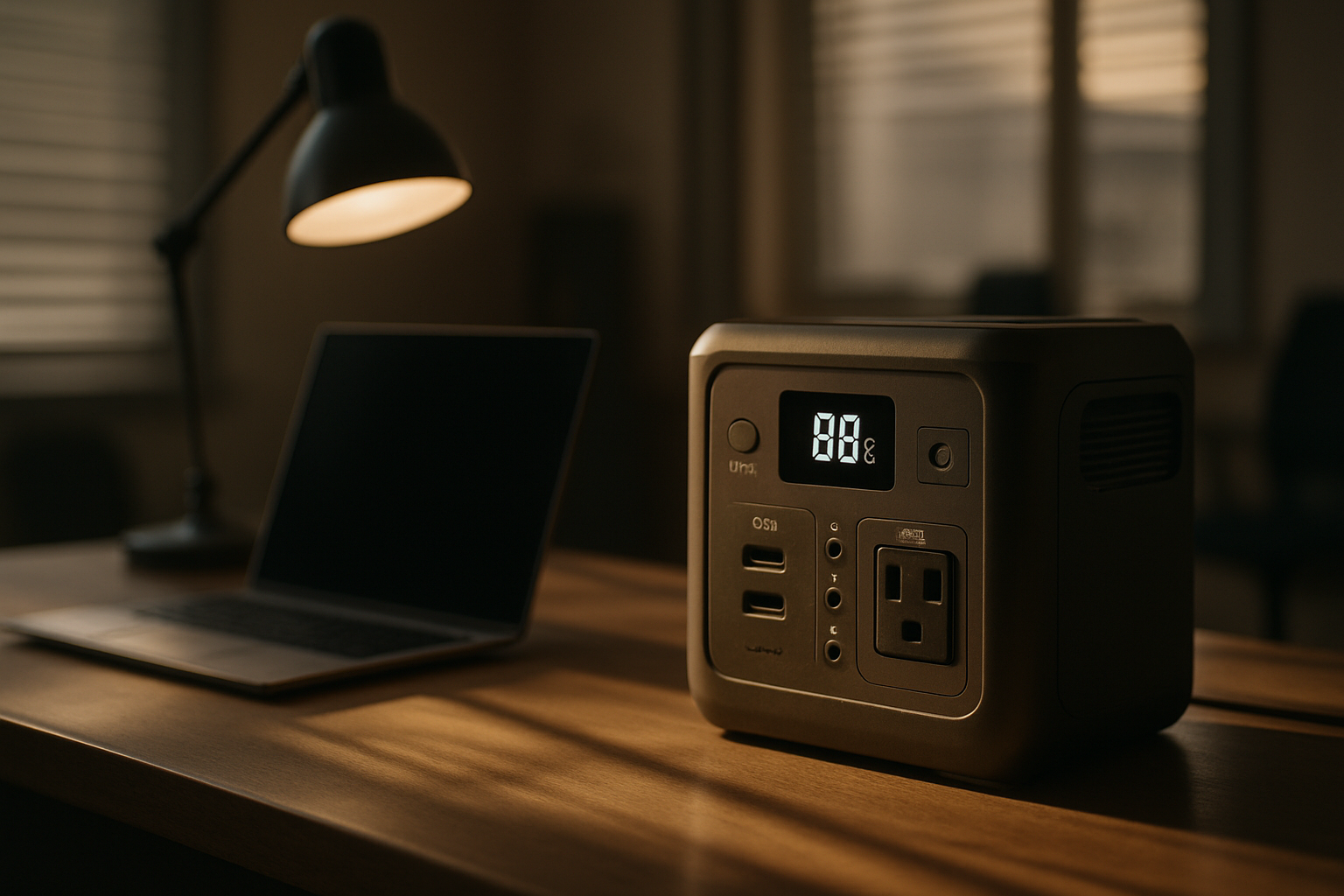
- AC outlets (120V): Most important. Two or more outlets let you plug in monitor, charger, and lamp simultaneously.
- USB-A and USB-C: Convenient for phones and tablets, but not essential if you have a multi-outlet adapter.
- DC outputs (12V): Rarely used in home office setups.
Mid-tier and premium stations typically have 2–4 AC outlets plus USB ports. Budget-tier may have only one AC outlet, which limits what you can run at once.
Display and Monitoring
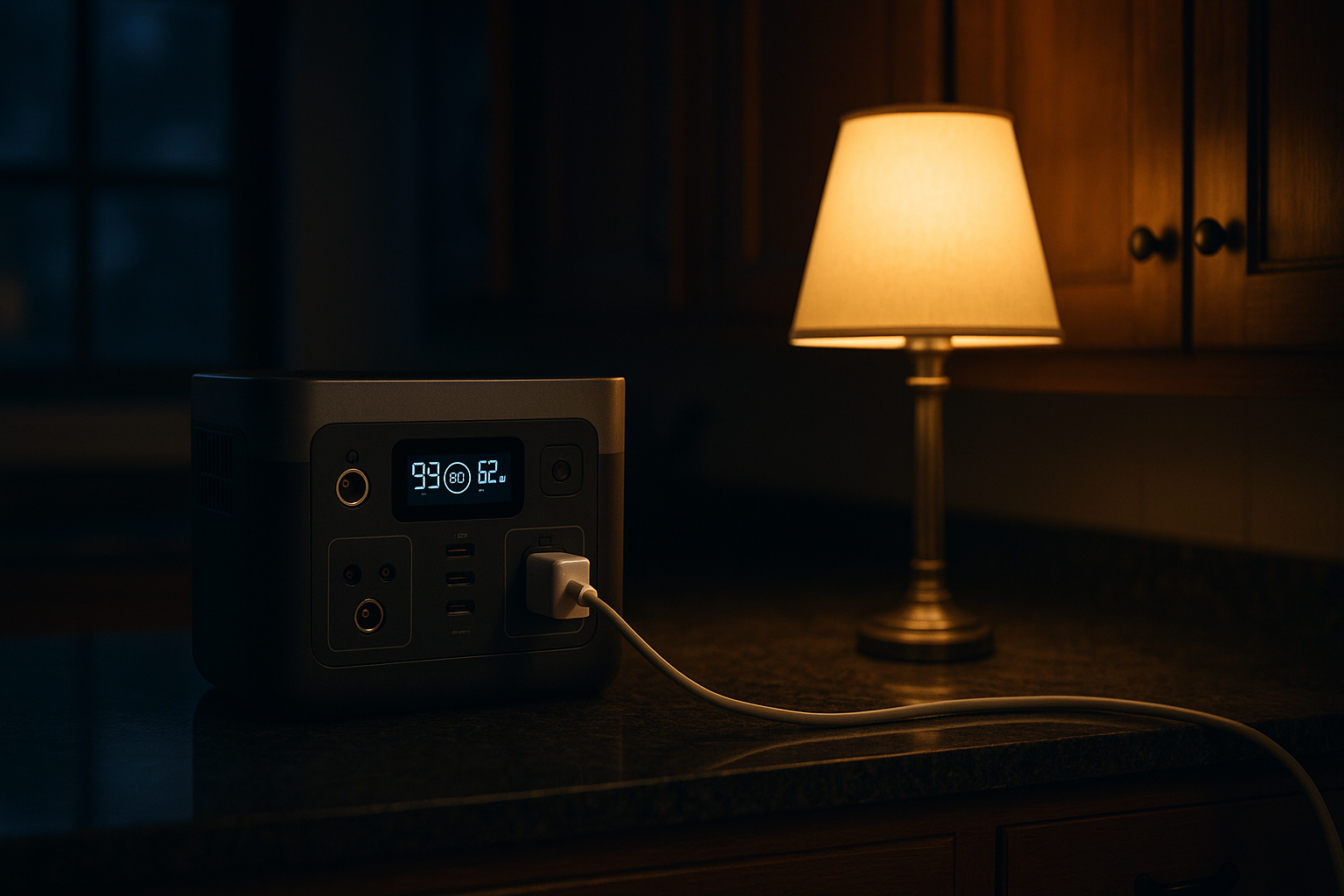
A clear LCD or LED display showing remaining capacity (in %), current load (in watts), and estimated runtime is helpful. Some stations also have a smartphone app for remote monitoring. This is a convenience feature, not essential, but it reduces guesswork about whether you have enough power left.
Noise Level
Portable power stations are silent (they’re battery + inverter, no engine). This is a huge advantage over gas generators.
Budget Tiers and What to Expect
Budget-tier (500–1000 Wh, ~): - Example: Jackery Explorer 500 (~ 518 Wh) - 1–2 AC outlets - Slower recharge (12–20 hours) - Basic display - Works for light office use (laptop + monitor only)
Mid-tier (1000–2000 Wh, ~): - Example: Jackery Explorer 1000 (~ 1000 Wh); EcoFlow River 2 Pro (~ 768 Wh with fast recharge) - 2–4 AC outlets, USB ports - Moderate recharge (6–12 hours) - Clear display with load/runtime info - Handles full home office setup with room for extras
Premium-tier (2000+ Wh, +): - Example: Bluetti AC500 (~ 5120 Wh expandable); EcoFlow Delta Pro (~ 3600 Wh expandable) - 4+ AC outlets, USB-C with high output - Fast recharge (4–8 hours), often 240V support - Advanced display and app monitoring - Expandable battery modules for future growth
For a typical home office, mid-tier (1000–2000 Wh) is the sweet spot. You get enough runtime for a full workday, multiple outlets, and reasonable recharge time without paying for features you won’t use.
Expandability and Modular Systems
Some stations (particularly premium models) support additional battery modules that stack or clip on, doubling or tripling capacity without replacing the unit. Per manufacturer documentation, this is useful if your needs grow—adding a second module later is cheaper than buying a second station. Bluetti and EcoFlow lead in this category.
Budget and mid-tier stations rarely offer this. If you think you’ll need more capacity in 2–3 years, prioritize an expandable model from EcoFlow or Bluetti.
Comparing UPS vs. Portable Power Station
A UPS (uninterruptible power supply) is designed for brief outages and clean shutdowns. A portable power station is designed for extended runtime and powering multiple devices. For home office backup, they serve different needs:
- Choose UPS if: You need instant protection during brief power flickers (milliseconds), and you want to shut down cleanly during longer outages.
- Choose portable station if: You want to keep working through 2–8 hour outages and power multiple devices simultaneously.
Many home offices benefit from both: a UPS on your desktop (for instant protection) and a portable station as a longer-term backup.
Maintenance and Lifespan
Lithium-ion batteries (the standard in modern power stations) degrade over time. Per manufacturer spec sheets and owner reports:
- Typical lifespan: 3–10 years of regular use, or 500–1000 charge cycles
- Degradation: Capacity drops roughly 0.5–1% per charge cycle, so a 2000 Wh station might deliver 1800 Wh after 200 cycles
- Storage: Keep the battery between 20–80% charge if storing long-term; this slows degradation
For home office use (recharging once or twice per year during outages), a quality station will last 5+ years. Daily or weekly cycling (like camping or van life) accelerates wear.
Some stations include warranty coverage for battery degradation (e.g., 80% capacity after 5 years). Check the fine print when comparing models.
Quick Picks
Best for full-day runtime: Jackery Explorer 500 (~ 518 Wh). Covers 4–6 hours of typical office work; recharges in 12 hours from 120V. Ideal if outages are rare and you want to start small.
Best all-around mid-tier value: Jackery Explorer 1000 (~ 1000 Wh). Covers a full 8-hour workday with typical office load; 2 AC outlets; recharges in 12 hours from 120V. Most popular choice for home office backup.
Best for fast recharge on a budget: EcoFlow River 2 Pro (~ 768 Wh). Recharges in 1 hour from 240V (if available); 3 AC outlets; good for high-outage areas where you need quick turnaround between events.
Best expandable system for growing needs: Bluetti AC500 (~ 5120 Wh with two B300S modules; starts at ~ for base unit alone). Supports stacking additional battery modules; 240V recharge in 4 hours; 6 AC outlets. Scales from 5 kWh to 15+ kWh as your needs grow.
Best premium all-in-one: EcoFlow Delta Pro (~ 3600 Wh expandable). 6 AC outlets; recharges in 2.5 hours at 240V (fastest on market); app monitoring; modular expansion available. Best choice if budget allows and you want maximum features and speed.
Where to Buy and What to Avoid
Reputable brands sell directly and through Amazon:
- EcoFlow excels at fast recharge speeds and modular expansion; best for high-outage areas.
- Jackery prioritizes simplicity and value; best for first-time buyers and typical home office setups.
- Bluetti offers the most expandability and highest capacities; best for future-proofing and growing power needs.
- Goal Zero emphasizes ruggedness and solar integration; best if you want integrated solar charging.
Avoid: No-name brands with vague specs, stations with modified sine wave inverters, and anything without a clear return policy.
Verify: Check that the station has been tested by third-party reviewers (YouTube teardowns, professional reviews) before committing to premium-tier models.
FAQ
Q: Can I run my air conditioner on a power station? A: No. Window ACs draw 1000–1500W continuously, and a typical 2000 Wh station would last 1–2 hours. Central AC is even worse (3000+ watts). For cooling during an outage, use a portable fan (100–200W) instead.
Q: Do I need solar panels to charge my power station? A: No. Solar is optional for redundancy and off-grid scenarios. For home office use, wall-outlet recharge is sufficient. Solar is useful if you’re in a region with frequent multi-day outages.
Q: How often should I recharge my power station if I’m not using it? A: Lithium-ion batteries self-discharge slowly (roughly 1–3% per month). Recharge every 3–6 months if storing long-term. More frequent recharges (quarterly) are safer for battery health.
Q: Can I use a power station and a portable generator together? A: Yes. Some users keep a gas generator for extended outages and a power station for quick backup. The station recharges faster than a generator can run, so you can rotate between them.
Q: What happens if I exceed the wattage limit of my power station? A: The inverter will shut down or cut power to protect itself and the battery. Most stations have a continuous wattage limit (e.g., 1500W) and a peak limit (e.g., 3000W for 10 seconds). Plugging in a 2000W space heater to a 1500W station will trigger an overload shutdown. Check the spec sheet for both limits before buying.
Q: Will my power station work with a smart home system? A: Most modern stations (EcoFlow, Bluetti, Jackery premium models) have smartphone apps for monitoring and control. However, they don’t integrate directly with smart home platforms like Alexa or Google Home yet. You can monitor charge status and load remotely, but can’t automate on/off via voice commands. Check the app before buying if remote control matters to you.
Final Recommendations
For most home office workers, a mid-tier power station (1000–2000 Wh) with 2–4 AC outlets, pure sine wave inverter, and 6–12 hour recharge time is the practical choice. It covers a full workday, costs less than a premium model, and handles unexpected outages without overspending on capacity you won’t use.
If outages are rare in your area, start with the Jackery Explorer 500 and upgrade later if needed. If you work in a high-outage region or need to power additional appliances (mini-fridge, space heater), jump to the Jackery Explorer 1000 or EcoFlow River 2 Pro for faster recharge. If you anticipate growing power needs over the next few years, invest in an expandable system like the Bluetti AC500 from the start.