How to Choose a UPS Battery Backup System
How to Choose a UPS Battery Backup System
Picking the right UPS (uninterruptible power supply) means matching three things: how much power your devices actually draw, how long you need that power to last, and what kind of protection your equipment demands. Choose incorrectly, and you’ll either overspend on capacity you don’t need or watch your gear shut down mid-blackout.
This guide walks you through the specs that matter, the trade-offs between UPS types, and how to size one for your specific setup.
Understand the Three Core Specs
Wattage (VA and Watts)
UPS systems list power in two ways: VA (volt-amperes) and watts. VA is the apparent power; watts is real power. For your purposes, watts matter more—that’s what your devices actually consume.
You’ll see listings like “1500 VA / 900 W.” The gap exists because some devices (especially those with motors or power supplies) draw reactive power that doesn’t translate to actual work. A 1500 VA UPS might only deliver 900 watts continuously.
How to size it: Add up the wattage of every device you want to protect. Per manufacturer specs, a typical home office (monitor, router, PC, printer) draws 300–600 watts. A refrigerator alone pulls 600–800 watts at startup, though it cycles on and off. The rule is simple: pick a UPS rated for at least 125% of your peak load to avoid running the battery flat in seconds.
Runtime (Battery Capacity in Watt-Hours)
Runtime is how long the battery keeps your gear running after the grid dies. It’s measured in watt-hours (Wh) or amp-hours (Ah) at a given voltage.
A 1500 Wh battery powering a 300 W load theoretically lasts 5 hours. In practice, most UPS units achieve 80–90% of rated capacity due to inverter losses and battery chemistry inefficiency, per manufacturer specifications. Manufacturers often list runtime in minutes at specific loads (e.g., “24 minutes at half load”), which is more honest than peak-load claims.
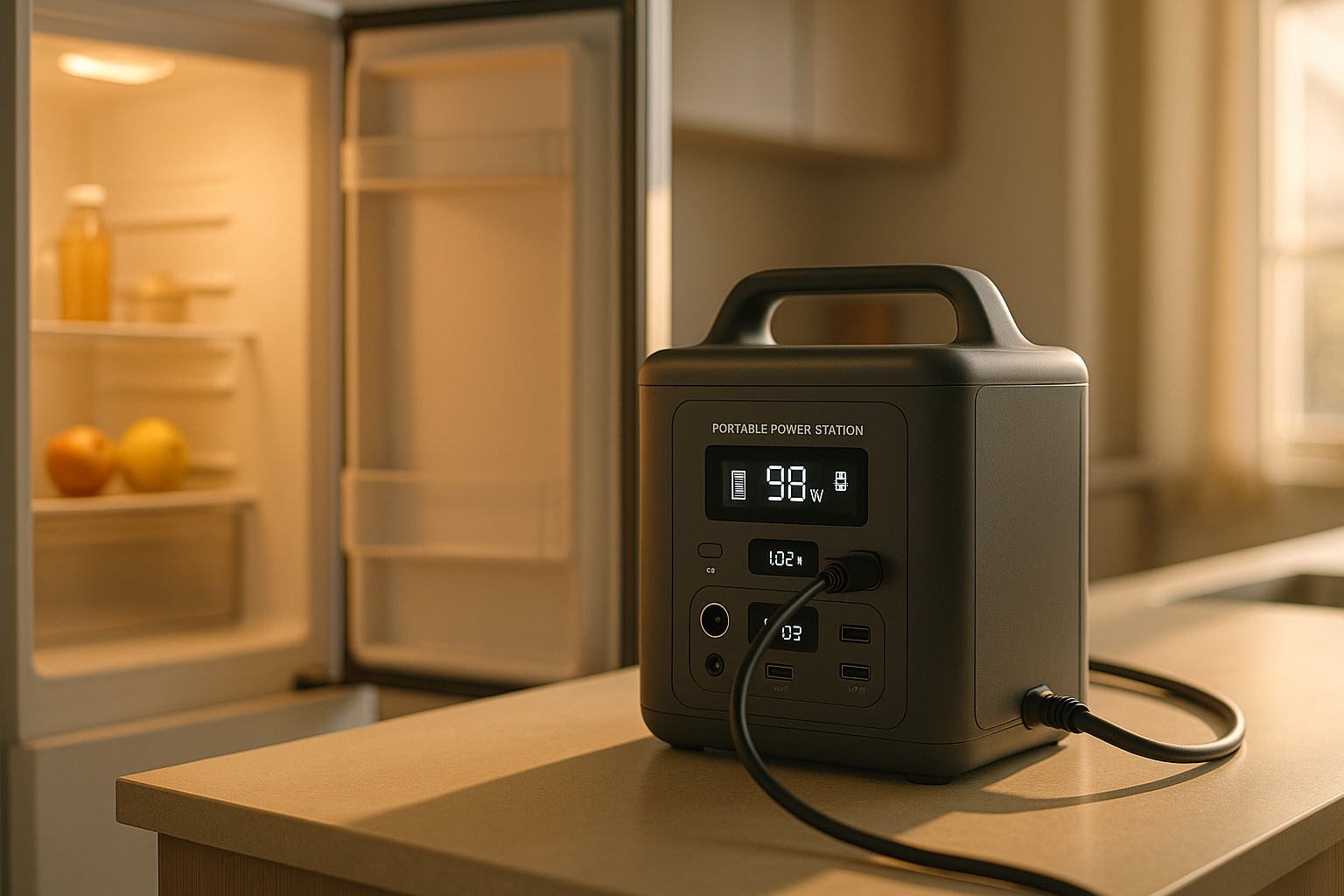
What’s realistic: Most home office UPS units offer 5–15 minutes at full load—enough to save your work and shut down gracefully. If you need 30+ minutes, you’re moving into portable power station territory, which uses larger lithium or lead-acid batteries.
Topology (How It Switches)
UPS systems come in three flavors:
Line-interactive (most common for home use) The battery sits idle until the grid drops, then switches in 2–10 milliseconds. Works fine for PCs, routers, and most appliances. Cheaper than online systems. Some sensitive audio or medical gear may notice the brief switchover.
Online (double-conversion) The battery runs continuously, powering your devices while the AC charger keeps it topped up. Zero switchover time. Overkill for home office, but essential for servers, medical equipment, or sensitive lab gear. Runs hotter and costs 2–3× more.
Standby (cheapest, least useful) The battery only kicks in after a 5–20 ms delay. Acceptable for basic surge protection but won’t save a PC from a sudden shutdown. Avoid for anything you care about.
For home and small-office use, line-interactive is the standard choice—it’s affordable, reliable, and fast enough for consumer gear.
Match the UPS Type to Your Use Case
Home Office
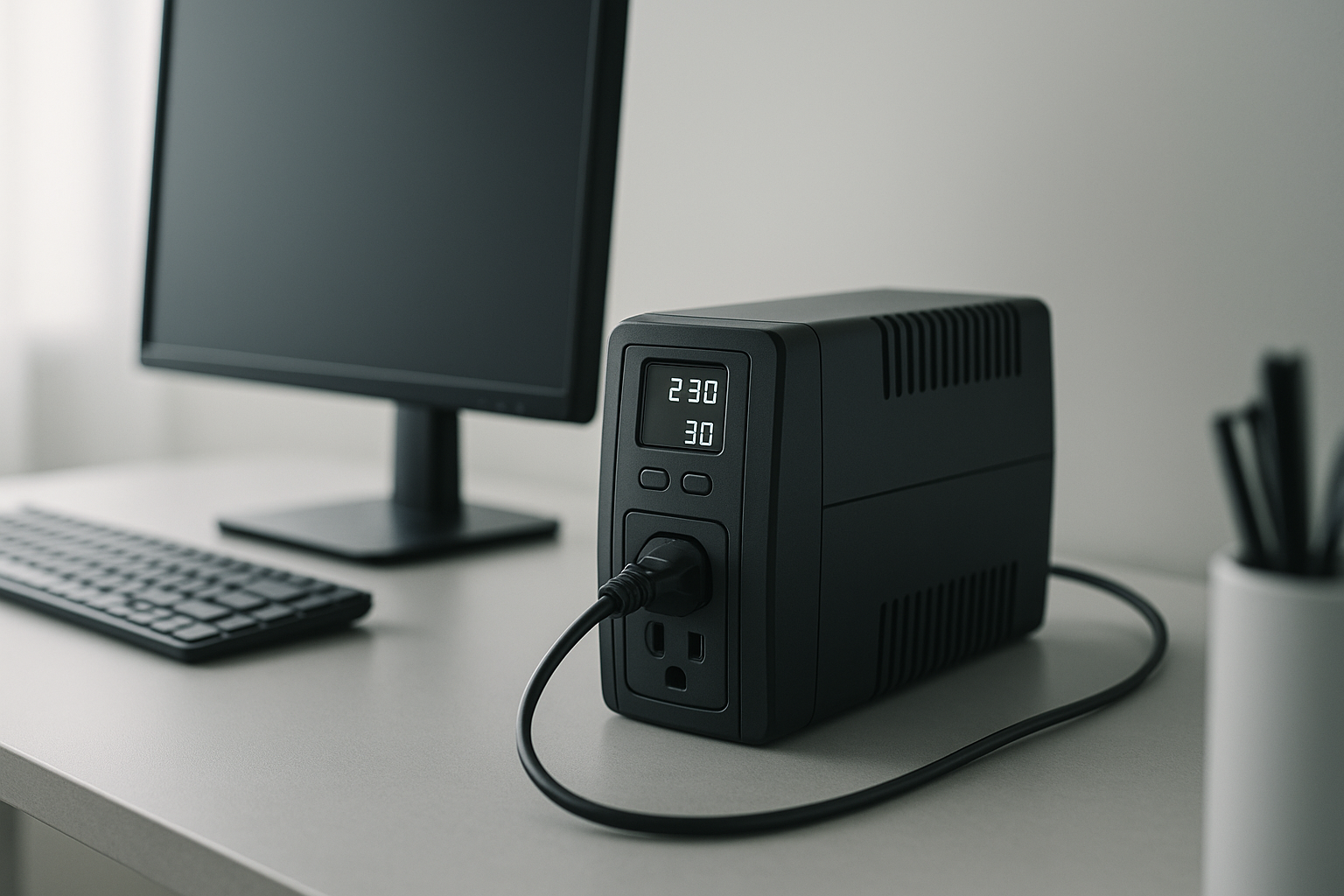
You need enough runtime to close files and shut down safely (5–10 minutes) plus surge protection for your monitor, PC, and router. A line-interactive UPS in the 1000–1500 VA range covers most setups.
Gaming PC or High-End Workstation
Gaming rigs and video-editing workstations draw 500–1200 watts during load. You’ll want a 2000+ VA unit to avoid triggering the UPS’s low-battery alarm mid-session. Line-interactive is sufficient; online isn’t necessary unless you’re running servers.
Refrigerator or Freezer
Refrigerators have a brutal startup surge (2–3× running wattage) but cycle on and off throughout the day. A UPS won’t keep a fridge running through a full outage—that’s a job for a portable power station or generator. But a UPS can bridge a 10–30 minute grid glitch without food spoilage.
Apartment or Rental
You can’t hardwire a UPS into your electrical panel. Plug-in line-interactive units are your only option. Size it for your most critical devices (PC, modem, lamp) rather than trying to back up everything.
Key Features to Compare
Automatic Voltage Regulation (AVR) Boosts or cuts voltage if the grid sags or spikes without draining the battery. Useful in areas with unstable power. Not essential if your grid is stable, but it extends battery life. Found on most mid-range and premium models from APC, CyberPower, and Eaton.
Hot-swap battery replacement Means you can swap a dead battery without powering down. Critical for servers; less important for home use. Standard on APC’s Smart-UPS line and CyberPower’s professional units.
LCD or LED display Shows load percentage, remaining runtime, and alarm status. Helpful for troubleshooting but not essential. Most UPS units above 1000 VA include a display.
Audible alarm Beeps when the battery is running and again at low charge. Can be disabled on most units via firmware settings.
Outlet configuration Look for at least one battery-backed outlet and one surge-only outlet. Battery outlets keep your essentials running; surge-only outlets protect (but don’t power) peripherals like printers.
Noise Most UPS units are quiet in normal operation. The cooling fan may kick in under heavy load or in warm rooms. Check owner reviews for fan noise if silence matters to you.
Common Mistakes to Avoid
Underestimating peak load Devices draw more power at startup than during steady operation. A laser printer, air compressor, or refrigerator can spike to 2–3× running wattage. Measure actual draw with a kill-a-watt meter if you’re unsure.
Confusing VA with watts A 2000 VA UPS might only deliver 1200 watts. Always check the watt rating, not just the VA.
Buying too much runtime A 30-minute runtime adds cost and bulk for minimal real-world benefit in most home setups. Five to ten minutes is enough to save your work and shut down safely. If you need longer, a portable power station is cheaper per watt-hour.
Ignoring battery age UPS batteries degrade over 3–5 years, even if unused. If you’re buying a used or refurbished unit, ask about battery age. Replacement batteries cost 20–40% of the UPS price.
Stacking too many devices Plugging in a space heater, microwave, or window AC unit will instantly drain a home-office UPS. Reserve battery outlets for devices that genuinely need it: PC, monitor, router, modem, lamp.
How to Calculate Your Needs
Step 1: List your devices and their wattage. Check the power label on each device or look it up online. (A typical monitor draws 30–60 W, a PC 200–400 W, a router 10–20 W, an LED desk lamp 10–15 W.)
Step 2: Add them up. If you’re protecting a home office: monitor (50 W) + PC (350 W) + router (15 W) + modem (10 W) + LED desk lamp (12 W) = 437 W total.
Step 3: Multiply by 1.25 for headroom. 437 × 1.25 = 546 watts. You want a UPS rated for at least 546 watts (or roughly 900–1000 VA, accounting for the VA-to-watt conversion).
Step 4: Decide on runtime. Do you need 5 minutes (bare minimum to save work)? 10 minutes (comfortable shutdown window)? 15+ minutes (rare for home office)? Multiply your wattage by your desired minutes, then divide by 60 to get watt-hours. Example: 546 W × 10 min ÷ 60 = 91 Wh minimum. Most 1000 VA UPS units offer 50–150 Wh, so you’ll hit this easily.
FAQ
Q: How do I know if a 1000 VA UPS or 1500 VA UPS is right for me? A: A 1000 VA UPS typically delivers 600–650 watts and suits loads under 500 W (laptop setup, router, small monitor). A 1500 VA UPS delivers 900+ watts and handles 500–700 W loads (desktop PC, dual monitors, router). Calculate your actual wattage draw and pick the UPS that’s rated for 125% of that figure.
Q: Why does my UPS beep constantly? A: Continuous beeping indicates the battery is running (grid is down) or the battery is low. Some units beep every 30 seconds while on battery; this is normal. Check your UPS manual for the beep pattern—different patterns mean different things (low battery, overload, fault). Most units let you reduce beep volume via a button or firmware setting.
Q: How often should I test my UPS? A: Once every 6–12 months, flip the circuit breaker to your UPS or unplug it briefly to confirm the battery switches in and your devices stay powered. This catches dead batteries before a real outage.
Q: Do I need an online UPS for my home office? A: Almost never. Line-interactive is cheaper, quieter, and fast enough for consumer gear. Online is for servers, medical equipment, and sensitive electronics that can’t tolerate any switchover lag.
Q: What’s the lifespan of a UPS battery? A: Lead-acid batteries (most common in UPS units) last 3–5 years of regular use or storage. Lithium batteries in premium UPS units can last 7–10 years. The UPS itself often outlasts the battery by years, so budget for a replacement battery eventually.
Q: Can I stack multiple UPS units? A: Not in series (one feeding another)—you’ll get poor efficiency and unpredictable behavior. You can run separate UPS units on different circuits if you’re protecting multiple zones (office, server closet, entertainment center).
Q: Should I plug my UPS into a surge protector? A: No. Plug the UPS directly into the wall outlet. The UPS itself has surge protection built in, and daisy-chaining surge devices can cause conflicts.
Sizing for Specific Scenarios
Small home office (laptop + monitor + router) Load: 150–250 W. A 600–800 VA line-interactive UPS (400–500 W) will handle it. Runtime: 10–15 minutes. APC Back-UPS 600 or CyberPower CP600 are entry-level options.
Full home office (desktop PC + dual monitors + printer + router) Load: 500–700 W. A 1500 VA unit (900+ W) is safe. Runtime: 10–20 minutes. APC Back-UPS 1500 or CyberPower CP1500 are common picks.
Server or NAS backup Load: 300–600 W (depending on drives and CPU). A 2000 VA online or line-interactive UPS. Runtime: 15–30 minutes for graceful shutdown. APC Smart-UPS 2000 (online) or CyberPower PR3000LCDRT2U (rack-mount) are standard choices.
Refrigerator bridge (temporary outage coverage) Load: 600–800 W at startup. You need a 3000+ VA UPS or a portable power station. Runtime: 30+ minutes to matter. A UPS alone is insufficient for full refrigerator backup; a portable power station with 3000+ Wh capacity is more practical.
Bottom Line
Choosing a UPS boils down to three questions:
- How much power do your devices draw? (Measure or add up the specs.)
- How long do you need that power? (5 minutes to save work, or 15+ to keep systems running?)
- What type of protection does your equipment need? (Line-interactive for most home use, online for sensitive gear.)
Once you answer those, pick a line-interactive UPS rated for 125% of your peak load and at least your desired runtime in watt-hours. You’ll spend less, get better reliability, and avoid the buyer’s remorse that comes with oversized or undersized systems.
For specific product recommendations tailored to your setup, consult detailed guides for home office and gaming setups. If you’re unsure whether a UPS or portable power station fits your needs better, compare the switchover speed (UPS: 2–10 ms; portable power station: manual or slow), runtime (UPS: 5–20 minutes; portable: hours to days), and cost per watt-hour.