Apartment Power Outage Survival: No-Generator Solutions

Photo by Zendure Power Station on Unsplash
Apartment Power Outage Survival: No-Generator Solutions & Alternatives
Apartment dwellers face a unique outage challenge: no outdoor space for a generator, no basement for deep storage, and often lease restrictions that ban fuel-powered equipment. When the grid fails, your options shrink fast. But you’re not helpless. The right combination of portable power stations, uninterruptible power supplies (UPS), and solar charging can keep essentials running—phone, laptop, fridge, lights—without violating your lease or annoying neighbors.
This guide walks you through realistic, apartment-friendly backup power strategies that actually fit in a closet.
Why Generators Don’t Work for Apartments
Portable generators are loud (70–90 dB), smell, require fuel storage, violate most apartment leases, and can’t run indoors due to carbon monoxide risk. Even “quiet” inverter generators annoy neighbors and trigger lease enforcement. Most apartment dwellers who buy a generator end up storing it unused because they can’t actually operate it.
Portable power stations and UPS systems sidestep all of this. They’re silent, indoor-safe, reusable, and legal.
Portable Power Stations: The Apartment Backbone
A portable power station is a large battery with AC outlets, USB ports, and often solar-input capability. Think of it as a silent, rechargeable generator.
Capacity matters. Measured in watt-hours (Wh), capacity tells you how long a device will run. A 1000Wh station might power a laptop for 8–9 hours (accounting for typical 85–90% inverter efficiency) or a mini-fridge for 4–5 hours. For apartment outages:
- 500–1000Wh: Phone, laptop, lights, small chargers. Realistic for 12–24 hours of moderate use.
- 1000–2000Wh: Add a small refrigerator or space heater. Can stretch to 2–3 days with rationing.
- 2000Wh+: Powers most household loads, but requires dedicated space.
Recharging speed is critical in an apartment. Wall-outlet recharge time determines how fast you can top up between outages. Most portable power stations take 4–8 hours to recharge from 0–100% via wall outlet. The Anker 757’s 2-hour recharge is an outlier and applies only to wall-outlet charging; solar recharging is significantly slower. Look for stations that match your lifestyle (faster recharge if outages are frequent in your area; slower is acceptable if they’re rare).
Noise level: Portable power stations are silent during discharge. No fans, no engine. If a model has active cooling, it’s nearly inaudible (under 30 dB). This is a massive advantage over any generator.
Per manufacturer specs and aggregated owner reviews, mid-tier portable power stations (1000–1500Wh) are the sweet spot for apartments: enough capacity for a full day of essentials, small enough to fit in a closet, and recharge-friendly.
Best Emergency Power Kits for Apartments in 2026
UPS Systems for Always-On Protection
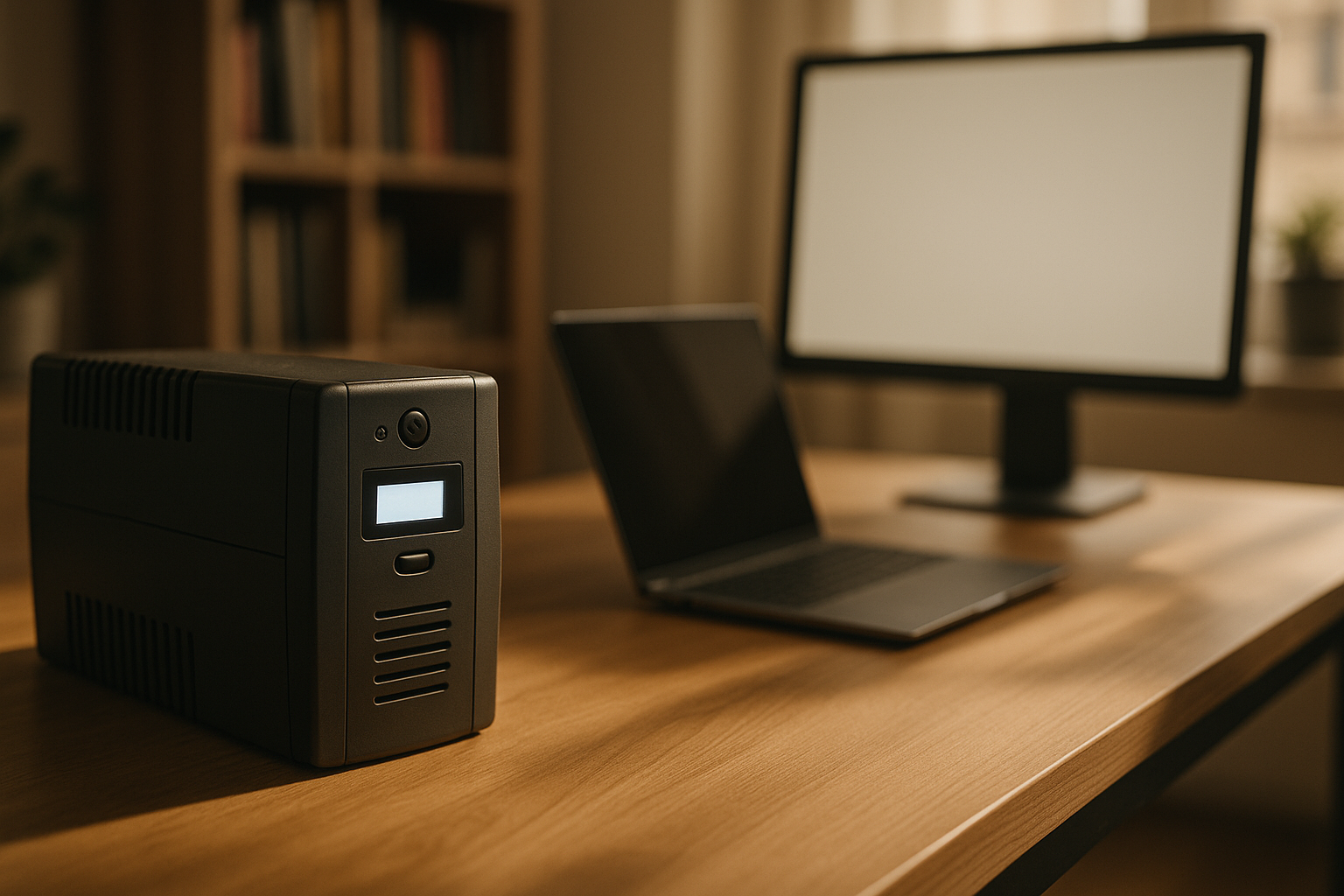
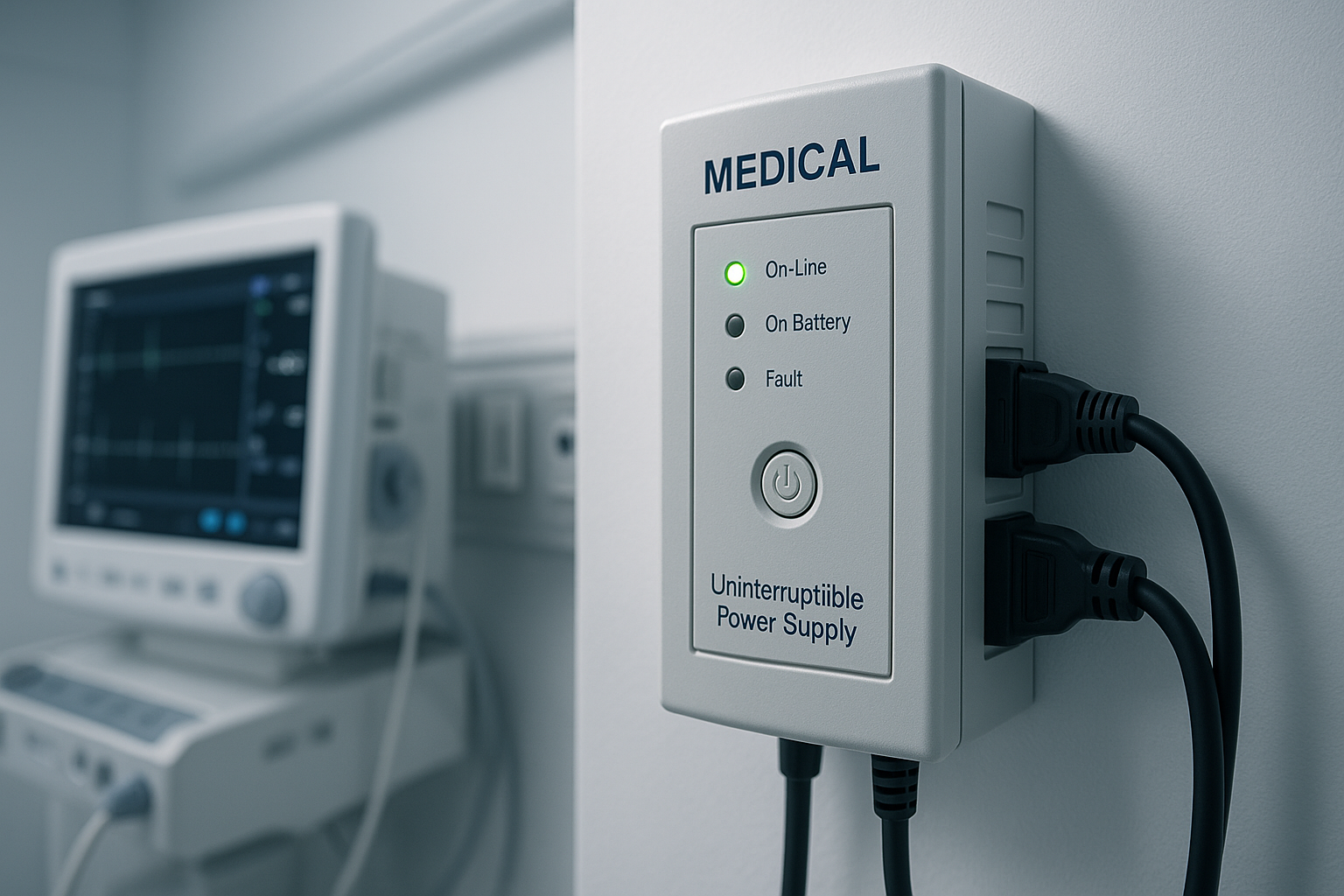
An Uninterruptible Power Supply (UPS) sits between your wall outlet and critical devices (modem, router, laptop, medical equipment). When power fails, it switches to battery in milliseconds—so fast your devices don’t notice.
UPS systems aren’t meant to run everything for hours. They’re designed to:
- Keep your internet alive long enough to save work or alert emergency contacts.
- Protect against brownouts and voltage sags that damage electronics.
- Provide a graceful shutdown window for servers or medical devices.
Typical apartment setup: - A 1000–1500VA UPS (roughly 500–900W output) under your desk or entertainment center. - Plugs in modem, router, laptop charger, and one or two critical devices. - Runtime: 10–30 minutes at full load, longer if you’re only charging a phone.
For home office workers, a UPS is non-negotiable. It bridges the gap until your portable power station is ready. Per long-running threads on r/homelab and r/HomeNetworking, most apartment dwellers report that a UPS + portable power station combo covers 95% of outage scenarios.
Best Uninterruptible Power Supply for Home Office in 2026
Solar Recharging: Extending Your Window
Portable power stations with solar input can recharge from sunlight, extending your outage window indefinitely—if the outage is daytime and weather cooperates.
Reality check: Solar recharging is slow. A 100W solar panel on a 1000Wh power station takes 10+ hours of direct sunlight in ideal conditions (direct sunlight, 45° angle, summer) to fully recharge. Weather, cloud cover, time of year, and panel angle significantly reduce real-world performance. It’s not a primary strategy; it’s a force multiplier for multi-day outages.
Practical apartment solar setup: - One or two small solar panels (100–200W total) that fit on a balcony, windowsill, or patio. - Lean them against a railing or use a lightweight stand (no permanent mounting needed). - Pair with a portable power station that accepts solar input. - On a sunny day, you gain 500–1000Wh of charge, enough for another day of phone and laptop use.
Most apartment dwellers who invest in solar do it for peace of mind during extended outages, not everyday use. According to owner reports on Reddit and Amazon reviews, solar becomes valuable on day 2+ of an outage when wall outlets are inaccessible or shared backup power is rationed.
Best Portable Solar Chargers for Phones and Tablets
Night Outages: Why Layering Matters
Solar panels are useless during nighttime outages, which is why a layered backup strategy is essential. If an outage occurs at night, you cannot recharge via solar until sunrise—potentially 8–12 hours later. This is the critical gap where portable power stations and UPS systems must carry the load.
Night outage strategy: - Rely entirely on your portable power station’s stored capacity until sunrise. - Ration high-draw devices (mini-fridge, space heater) or turn them off. - Prioritize phone charging, laptop, lights, and medical equipment. - At sunrise, deploy solar panels to begin recharging for the next night.
This is why capacity matters: a 1000Wh station must cover 8–12 hours of nighttime use plus daytime use before solar can meaningfully recharge. For frequent night outages or areas with extended outage windows, consider a 2000Wh+ station or multiple smaller stations.
The Layered Approach: Building Your Apartment Outage Plan
Don’t rely on one device. Stack them:
- Layer 1 – Immediate (0–30 min): UPS system keeps modem, router, and one device online while you assess the outage.
- Layer 2 – Short term (30 min–12 hours): Portable power station powers laptop, phone chargers, and small appliances.
- Layer 3 – Extended (12+ hours): Solar panels recharge the power station during daytime; swap to rationing at night.
- Layer 4 – Backup: Multiple power banks and phone chargers scattered in different rooms (bedroom, kitchen, bag).
This approach doesn’t require a generator, permanent installation, or lease violation. Each layer is independent; if one fails, the others still work.
Best Emergency Power Solutions for Apartments (No Outdoor Space)
Choosing the Right Capacity for Your Apartment
Estimate your needs:
- Laptop (60–100W): 8–10 hours on a 1000Wh station (accounting for typical 85–90% inverter efficiency).
- Phone charger (10–20W): 50+ hours on a 1000Wh station.
- Mini-fridge (150W average): 5–6 hours on a 1000Wh station.
- LED lights (10–20W each): 50+ hours on a 1000Wh station.
- Space heater (1500W): Not practical on portable power; use blankets and layers instead.
Most apartment outages last under 12 hours, according to the U.S. Energy Information Administration’s 2023 outage duration analysis. A 1000–1500Wh portable power station covers that window for all essentials except heating.
If you have medical equipment (CPAP, oxygen concentrator, dialysis machine), prioritize a larger station (2000Wh+) and confirm runtime with the manufacturer before an outage occurs.
Backup Power for Medical Equipment: UPS & Generator Requirements
Storage and Maintenance in Small Spaces
Portable power stations are compact but not weightless. A 1000Wh station weighs 10–15 lbs; a 2000Wh model is 40–60 lbs. Plan storage:
- Closet shelf: Works for stations under 30 lbs.
- Under the bed: Accessible and out of sight.
- Entryway cabinet: Easier to grab during an outage.
Maintenance is minimal: - Recharge every 3–6 months, even if not used (lithium batteries self-discharge slowly). - Keep in a cool, dry place (not hot cars or damp basements). - Avoid dropping or exposing to water.
Per manufacturer guidance and owner reports, portable power stations last 8–10 years with normal use, meaning your investment is durable.
Noise, Neighbors, and Lease Compliance
This is the apartment advantage. Portable power stations and UPS systems produce zero operational noise. No fuel smell, no engine vibration, no EPA violations. You can run them 24/7 without a single complaint from neighbors or your landlord.
Solar panels mounted on a balcony are also lease-friendly in most buildings (confirm with your landlord). Unlike generators, they’re permanent, safe, and actually increase property value.
FAQ
Q: Can I use a portable power station outdoors in rain? A: No. Most portable power stations have water-resistant (not waterproof) casings. Exposure to rain, standing water, or high humidity can damage the battery and electronics. Keep your station indoors or in a covered area. Solar panels can tolerate light rain, but avoid submerging them.
Q: Will a power station damage my apartment’s electrical system? A: No. Portable power stations are standalone batteries; they don’t interact with your building’s wiring or circuit breaker. They only draw power from a wall outlet when recharging. Unlike generators, they pose no risk of backfeeding electricity into the grid or damaging shared infrastructure.
Q: Is a UPS necessary if I have a portable power station? A: Not strictly necessary, but highly recommended. A UPS keeps your internet and critical devices running while you’re setting up the power station. It’s fast insurance for the first 30 minutes.
Q: What’s the difference between a portable power station and a power bank? A: Power banks (typically under 50Wh) charge phones and small devices. Portable power stations (500Wh+) have AC outlets and can power laptops, fridges, and other appliances. Both are useful; use power banks for phones and portable power stations for larger loads.
Q: Do I need to buy a solar panel with my portable power station? A: No, but it extends your outage window. For short outages (under 12 hours), solar is optional. For extended outages or peace of mind, a 100–200W solar panel is a worthwhile add-on.
Summary
Apartment power outages don’t require a generator. A portable power station (1000–1500Wh), a UPS system for critical devices, and optional solar panels create a silent, legal, neighbor-friendly backup power system that fits in your closet. Layer these tools with power banks and good planning, and you’ll stay powered through most outages without violating your lease or annoying anyone.
Start with a mid-tier portable power station and a UPS. Add solar panels if extended outages concern you. Test your setup before an outage so you know exactly what runs and for how long.
Home Power Outage Kit: What You Actually Need